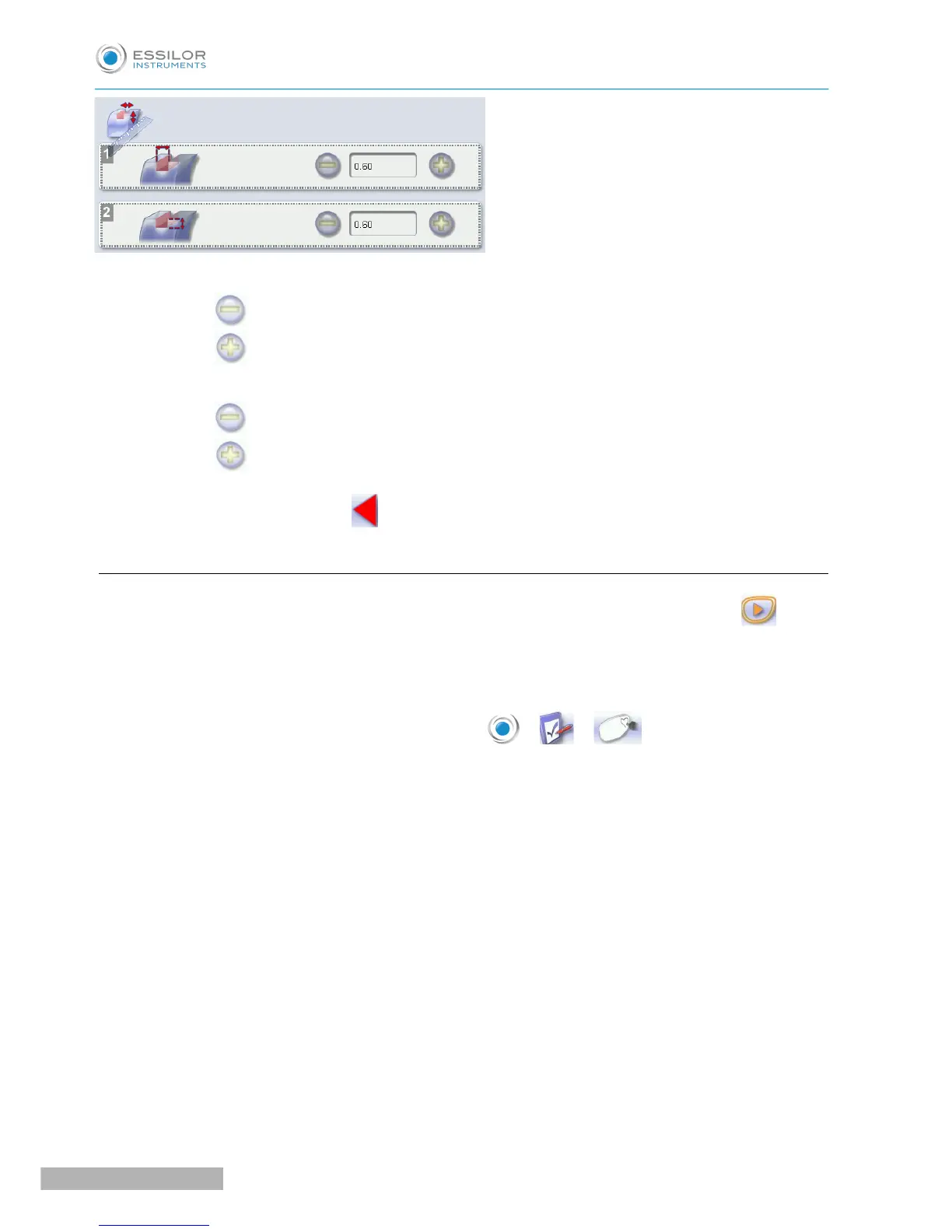
1. Adjusting the default groove width
◦ Press to reduce the width of the groove.
◦ Press to increase the width of the groove.
2. Adjusting the default groove depth
◦ Press to reduce the depth of the groove.
◦ Press to increase the depth of the groove.
Once the modification is made, press to return to the work screen.
f. To adjust the engraving
After lens engraving, if the motif is not clear enough, you can restart another stroke by pressing .
It is also possible to change the number of strokes per material.
The maximum number of strokes is 10.
To access that menu from your edger work screen, select > > .
The following screen is displayed:



 To Next Page