3. CONSULTING THE PREVENTIVE MAINTENANCE SCREEN OF THE “SMALL TOOLS” MODULE
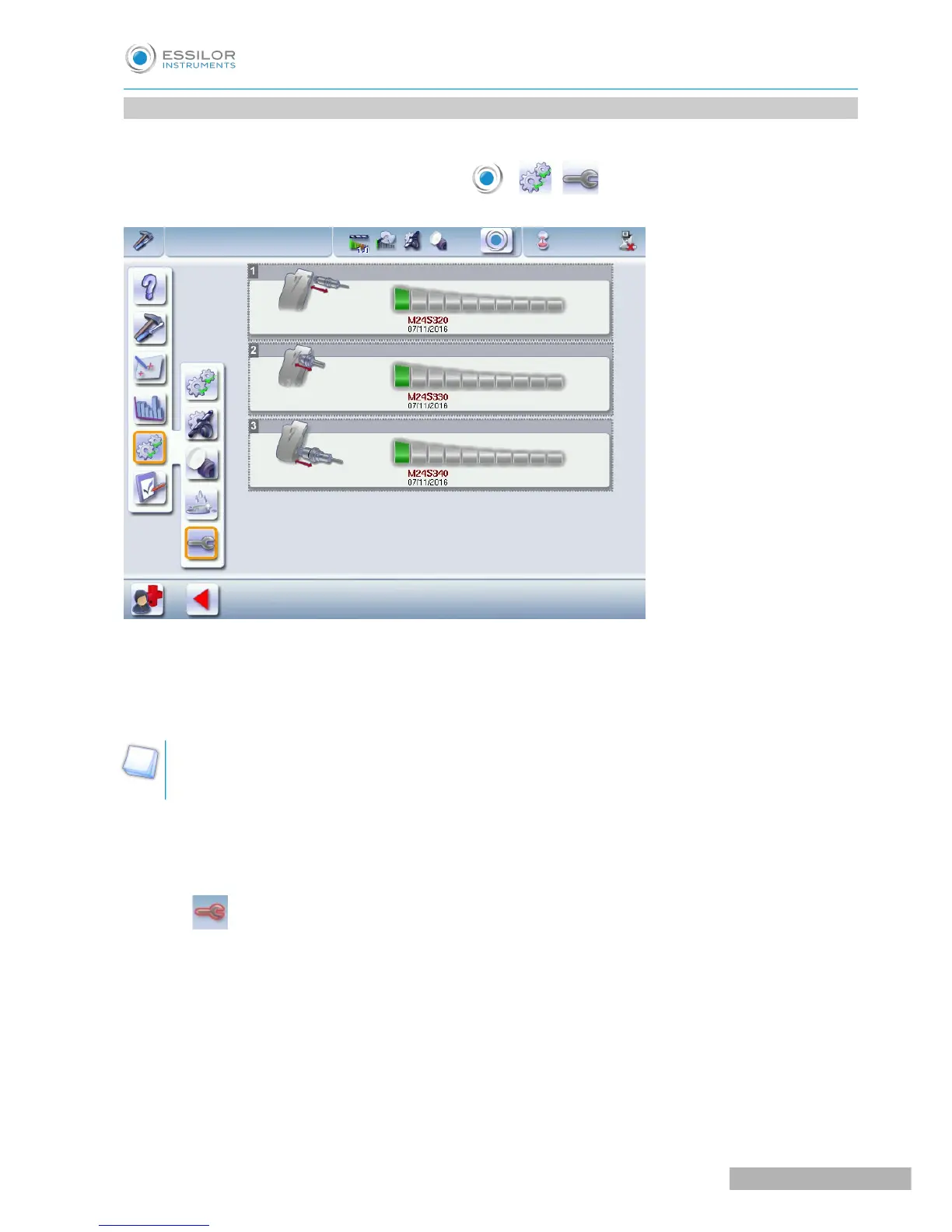
This menu enables you to know the level of wear of your “small tools” module.
To access this menu from your work screen, select > > .
The maintenance screen appears:
1. Wear indicator of the drilling spindle
2. Wear indicator for the chamfering/high-base bevel spindle
3. Grooving/milling spindle wear-out indicator
At the time of installation of the machine, there is no date displayed, it is the first edging which starts
the initialization and the taking into account of the installation date.
There are three wear-out thresholds:
First wear-out threshold
The icon appears beside the access button on the maintenance menu, press above to directly access
the preventive maintenance menu of the “small tools” modiule:



 To Next Page