Appendix: Troubleshooting Problems58
• Incoming IP unicasts via UDP originating from any IP in the network
configured for the ETAS application, source ports 17099 through
18020, destination ports 17099 through 18020
• Outgoing TCP/IP connections to the network configured for the ETAS
application, destination ports 18001 through 18020
Windows XP and Vista come with a built-in personal firewall. On many other
systems it is very common to have personal firewall software from third party
vendors, such as Symantec, McAffee or BlackIce installed. The proceedings in
configuring the ports might differ for each personal firewall software used.
Therefore please refer to the user documentation of your personal firewall
software for further details.
As an example for a firewall configuration, you will find below a description on
how to configure the widely used Windows XP firewall if the hardware access
is prohibited under Windows XP with Service Pack 2.
Solution for Windows XP Firewall, Users with Administrator Privileges
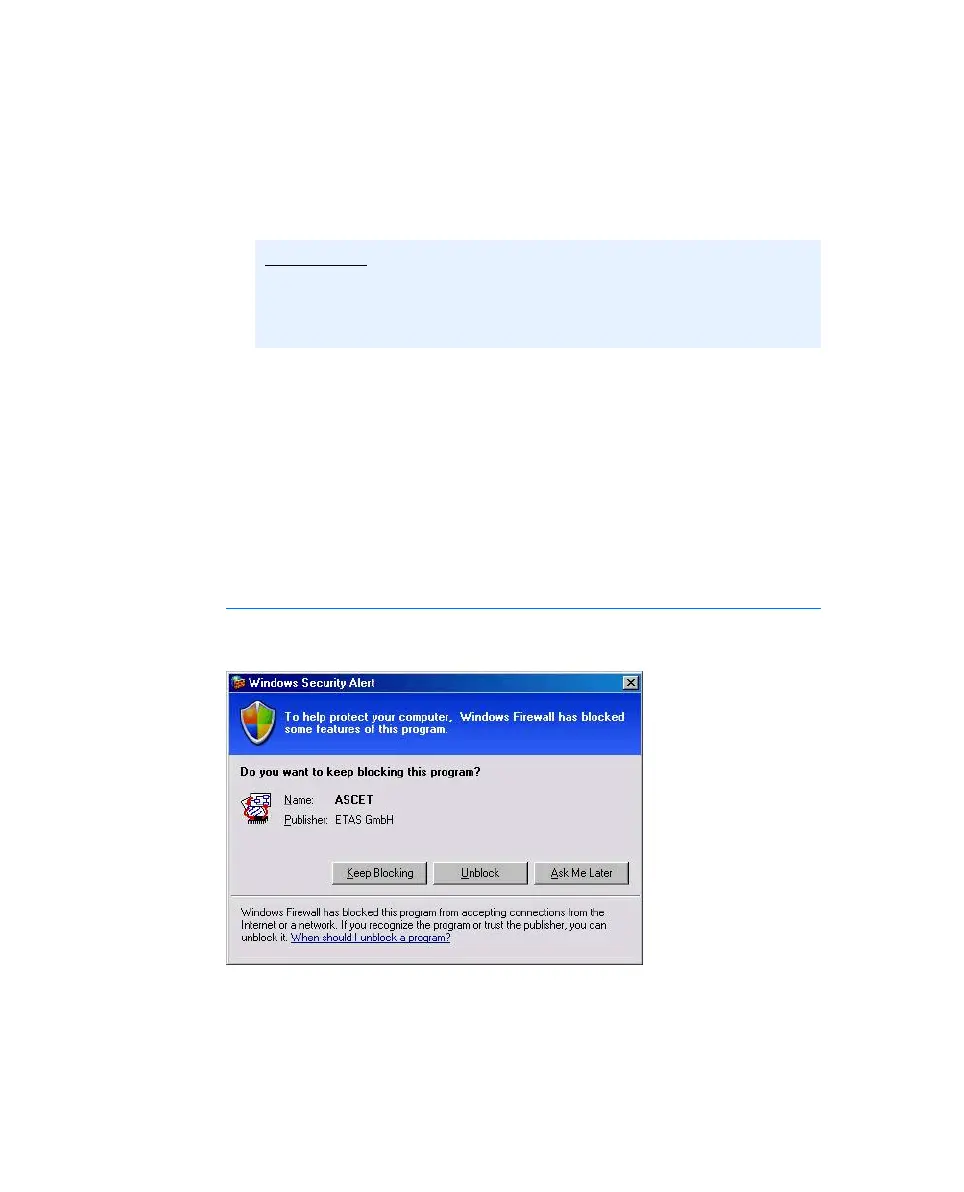
If you have administrator privileges on your PC, the following dialog window
opens if the firewall blocks an ETAS product.
Note
The ports that have to be used in concrete use cases depend on the hard-
ware used. For more precise information on the port numbers that can
be used please refer to your hardware documentation.
Manual.book Seite 58 Montag, 13. Juli 2009 6:24 18



 To Next Page