63
Power Loss:
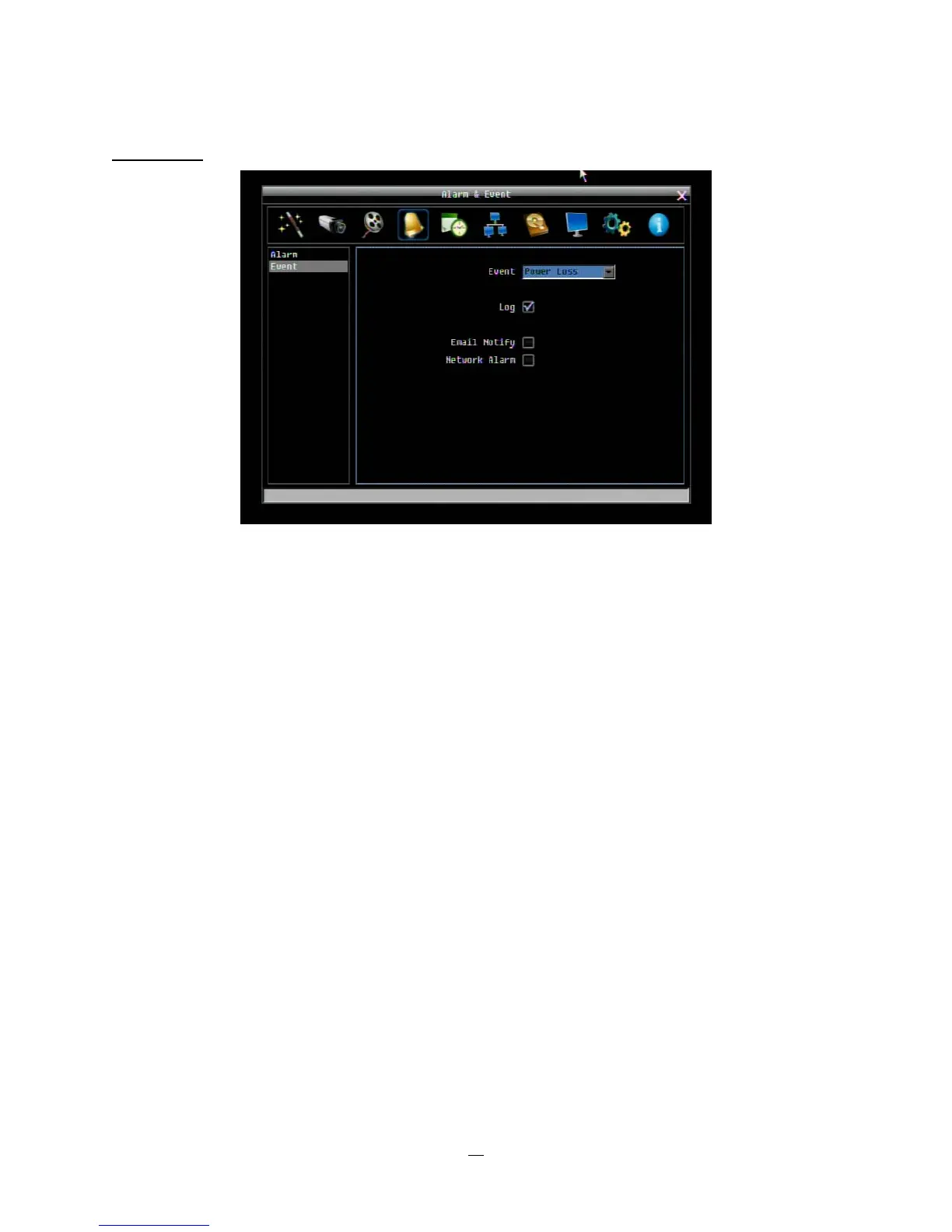
Figure 4-17 Alarm & Event Menu – Event – Power Loss
Log: Log is permanently checked for this feature. Power Loss events are always recorded by the DVR.
Email Notify: Check box to enable email notification when power has been restored. Email operation
requires that valid email settings have been entered in the Network Setting/Email setup screen.
Network Alarm: Check box to send out a network alarm to client PC when power has been restored.
(requires PowerCon software and setting up Alarm Server in Network Setup menu)
NOTE: As alarms and emails cannot be transmitted without power, the log entry is made when power is
restored, and any notifications cannot be made until that time.















 To Next Page