DMTA-20102-01EN, Rev. 7, October 2022
Chapter 228
2.1 Display Touch Screen
The display touch screen acts as a pointing device. To select an interface element,
touch the screen surface lightly with your finger. Refer to the OmniScan MXU Software
User’s Manual for advanced operating instructions for the touch screen.
2.2 Main Controls
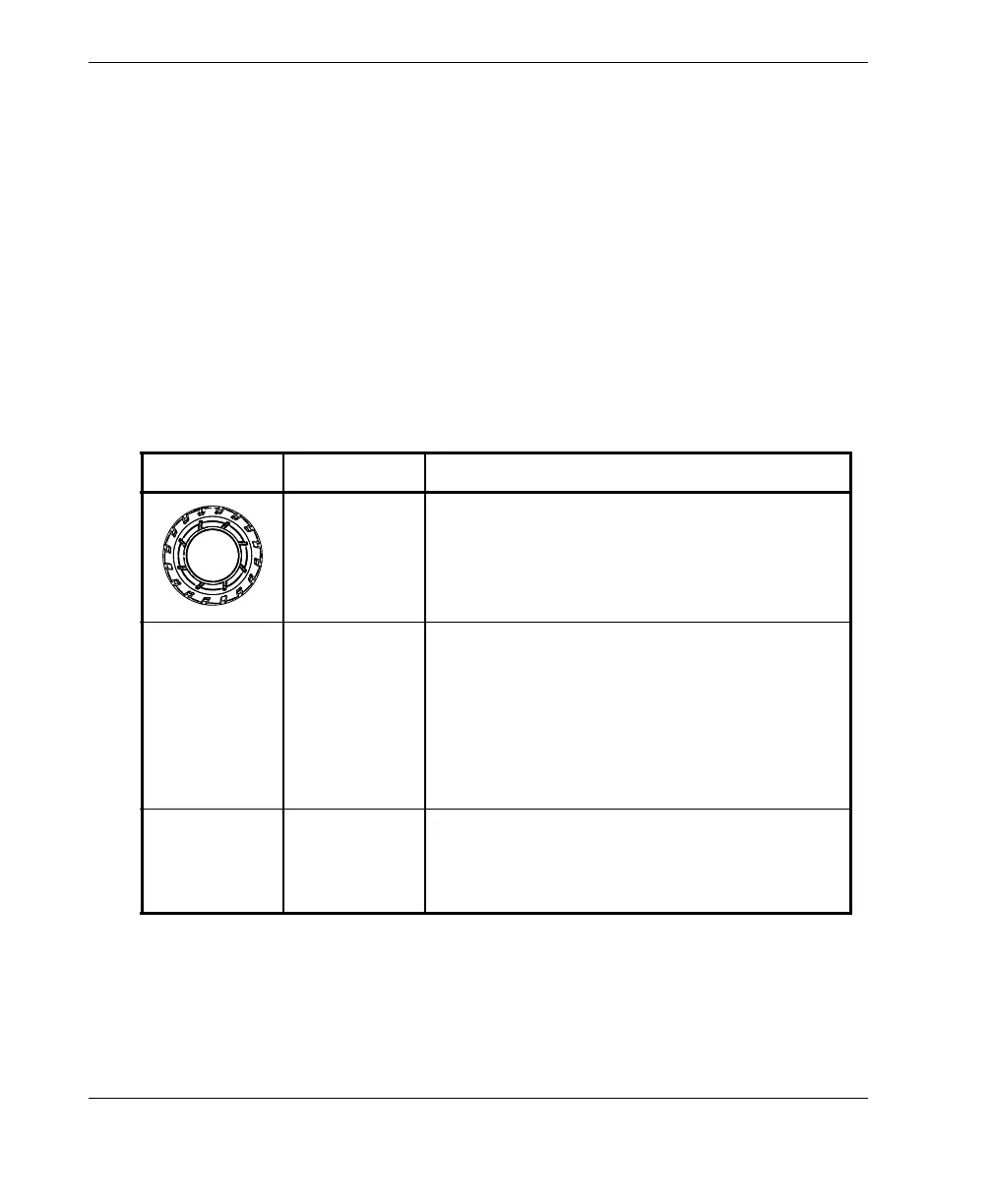
The three main controls shown in Table 1 on page 28 enable full operation of the
OmniScan MXU software.
Table 1 Main controls for OmniScan X3 flaw detector
Image Name Description
Scroll knob Rotate the Scroll knob clockwise or
counterclockwise to select a desired software
button or change a parameter value.
Accept key Press the Accept key to activate the current
selection and move on to the next level in the
menu hierarchy.
In an alphanumeric parameter value field,
pressing the Accept key twice (or tapping the
parameter twice) opens the software
keyboard.
Cancel key Press the Cancel key to cancel the current
selection and move back to the previous level
in the menu hierarchy.



 To Next Page