DMTA-20102-01EN, Rev. 7, October 2022
Chapter 776
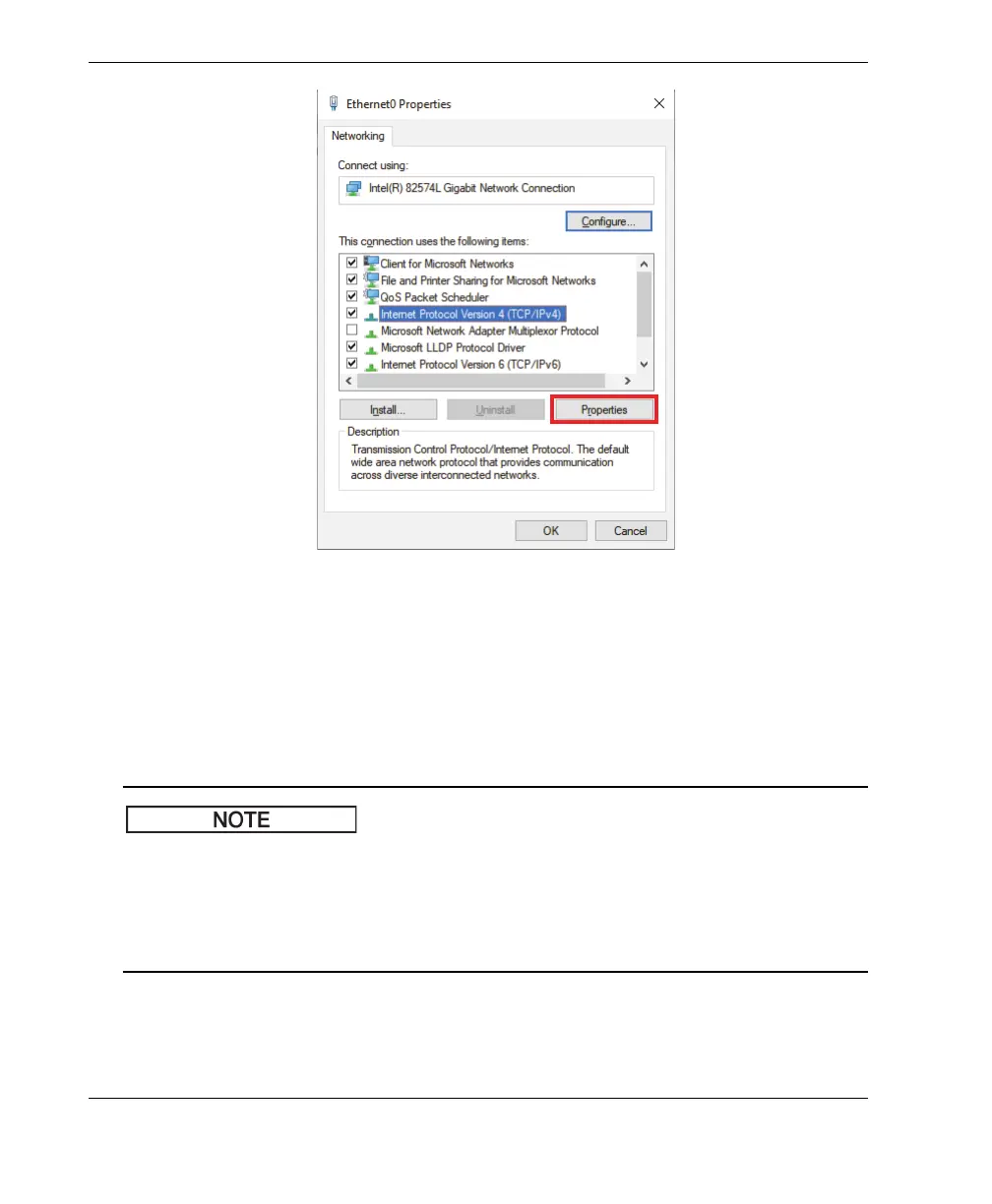
Figure 7-1 Ethernet Properties dialog box
c) Check the Use the following IP address and set it to:
○ IP Address: 192.168.0.1
○ Subnet mask: 255.255.255.0
d) Click Ok to accept the changes.
The IP address can be different than the one suggested, but it must be on the same
subnetwork than the OmniScan X3. The default IP address of the instrument is
192.168.0.2, but if you need to use a different subnet, change it in the WeldSight
Remote Connect application, in your network card settings, as well as in WeldSight
(instrument settings).
e) For optimum performance, and to avoid data loss, in the Properties of the
same network card, click Configure (Figure 7-1 on page 76), then go to the
Advanced tab.



 To Next Page