DMTA-20102-01EN, Rev. 7, October 2022
Chapter 780
3. Launch WeldSight Remote Connect on the OmniScan X3.
4. Launch the WeldSight Remote Connect application on the OmniScan X3.
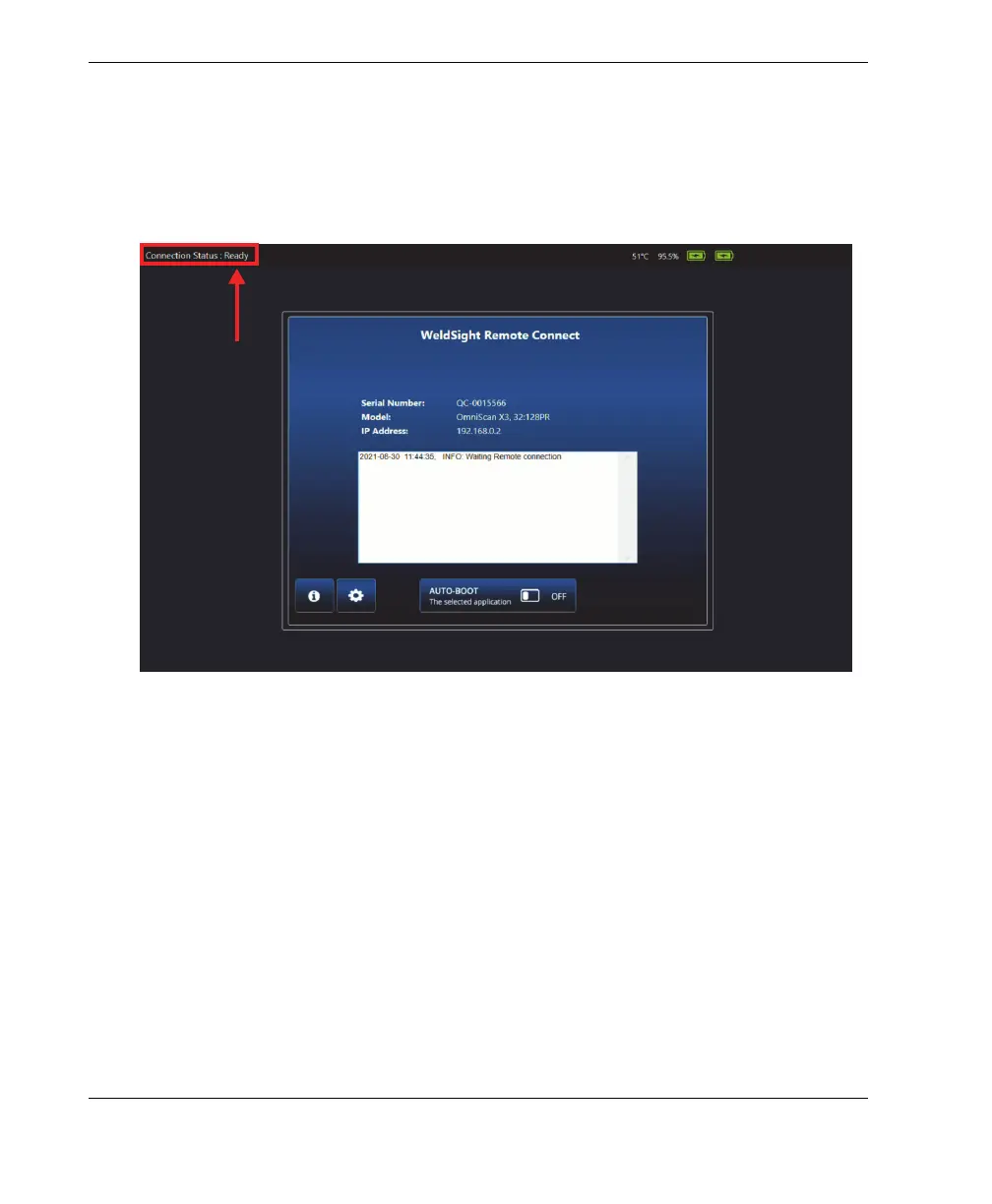
5. The status in WeldSight Remote Connect should go from Not Ready to Ready
when the OmniScan X3 detects a valid connection with the PC (Figure 7-5 on
page 80).
Figure 7-5 Connection status — Ready
6. Launch WeldSight on the PC.
7. If everything is configured correctly, the status in WeldSight Remote Connect
should go from Ready to Connected (Figure 7-6 on page 81).



 To Next Page