DMTA-20102-01EN, Rev. 7, October 2022
Chapter 344
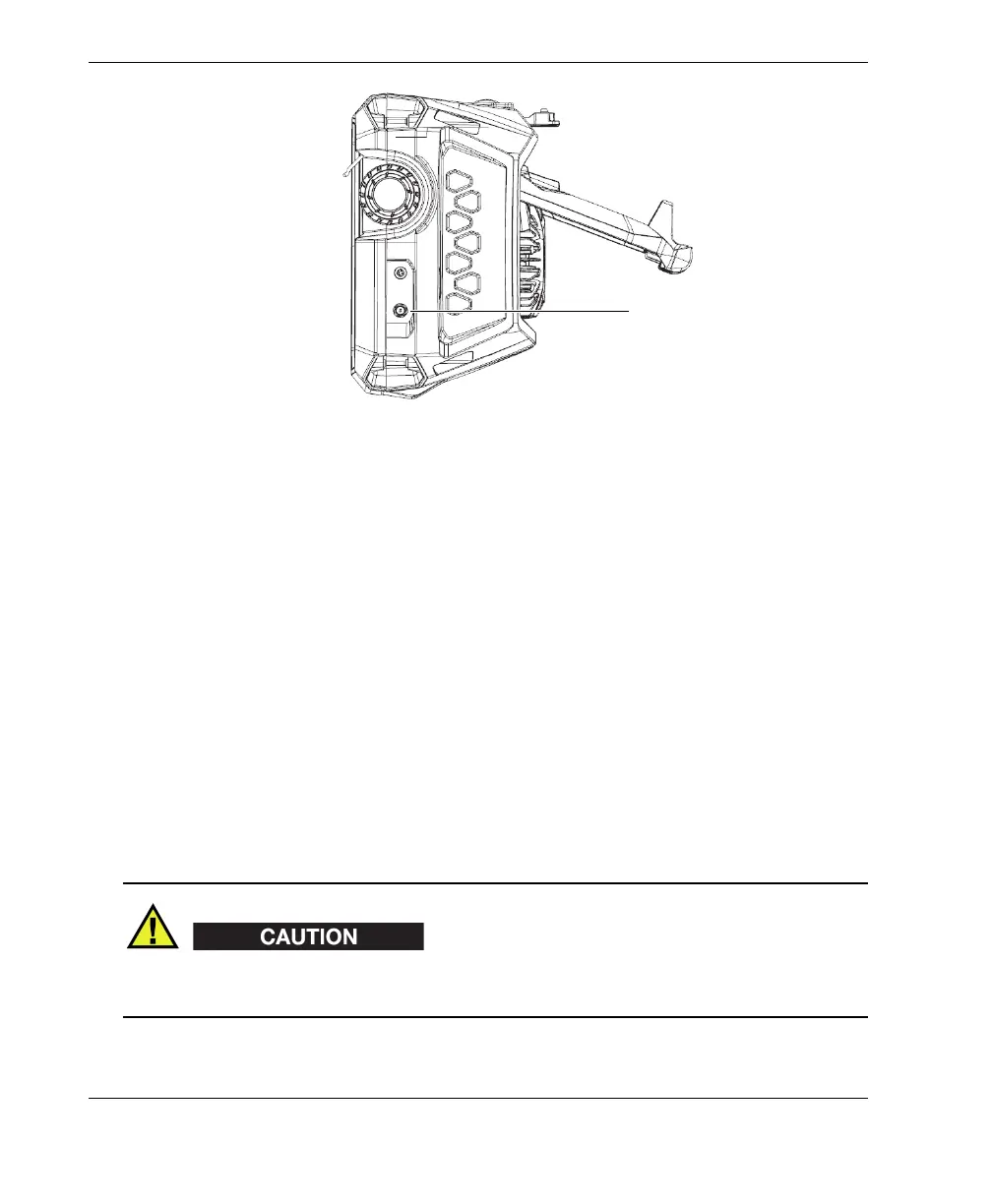
Figure 3-1 DC power adaptor plug
3. Connect the DC power adaptor to the plug on the OmniScan X3.
4. Press the Power key (
) to start the OmniScan X3.
3.4 Lithium-Ion Battery
The OmniScan X3 flaw detector holds two lithium-ion batteries (P/N: OMNI-A-BATT
[U8760010]). The lithium-ion batteries can be inserted and removed without shutting
down the OmniScan X3, as long as it remains connected to another valid power
source (DC power adaptor).
The OmniScan X3 also includes a lithium coin battery that does not need to be
removed or replaced by the user. The coin battery maintains the instrument’s real-
time clock.
To avoid the risk of human injury and/or equipment damage, only use Evident
batteries (P/N: OMNI-A-BATT [U8760010]) in the OmniScan X3.
DC power adaptor plug
(flexible cap not shown in
the illustration)



 To Next Page