DMTA-20102-01EN, Rev. 7, October 2022
Chapter 346
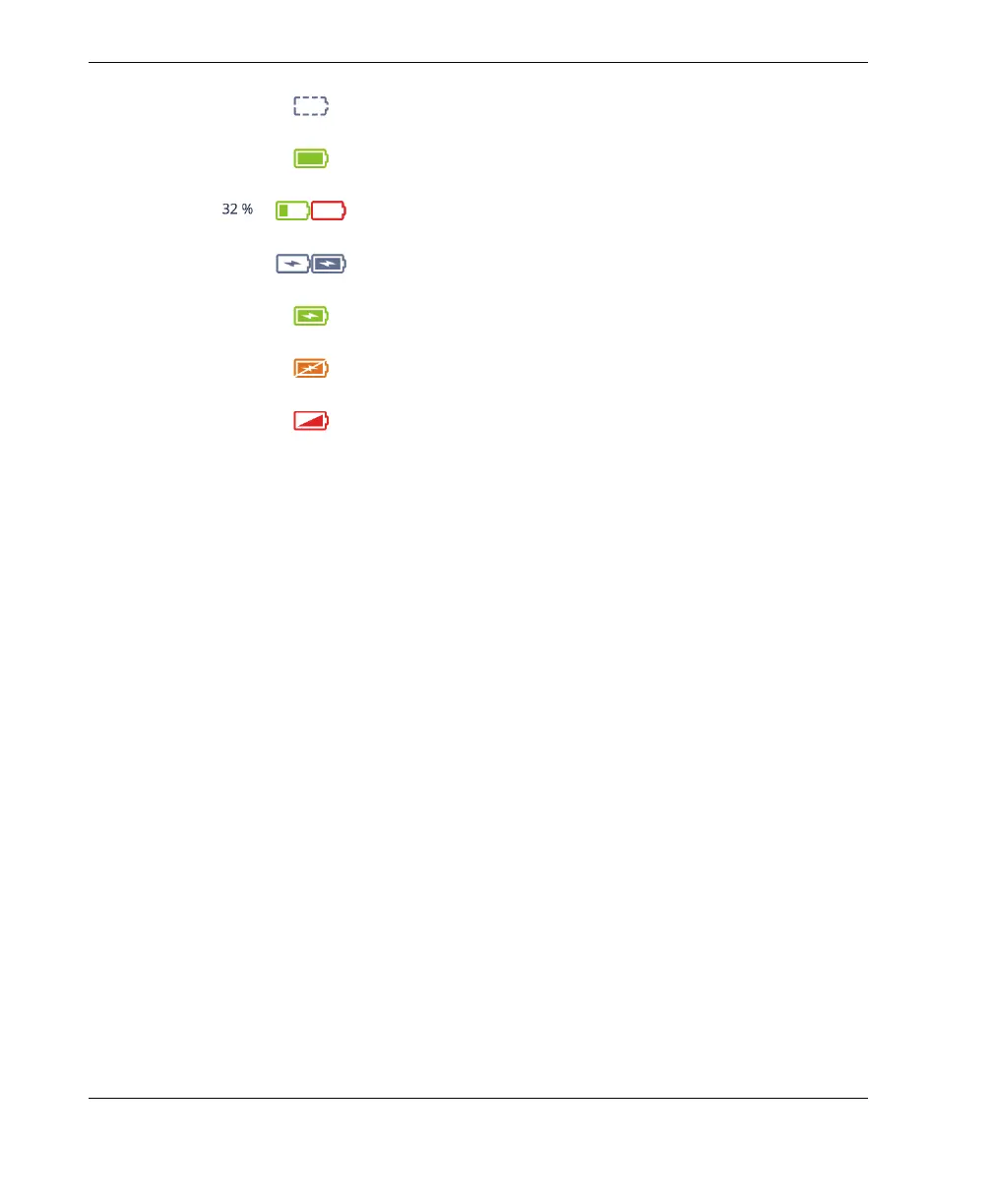
Figure 3-2 Battery indicator variations
3.4.2 Removing and Installing a Battery
To remove and install a battery
1. On the left side panel, push the two latches to open the battery compartment
door.
2. Push the battery inward, then pull leftward on the battery tab, and pull the
battery out (Figure 3-3 on page 47).
Missing or incorrectly installed battery
Fully charged (disconnected from DC power adaptor)
Battery level (combined remaining charge percentage)
Level increments in 10 % steps (0–100 %)
Charging (interior blinking) with percentage of charge attained
Fully charged (connected to DC power adaptor)
Too hot to charge
Too hot to operate, or critical temperature (rapid blinking)



 To Next Page