DMTA-20102-01EN, Rev. 7, October 2022
Connection to a PC with WeldSight Remote Connect 77
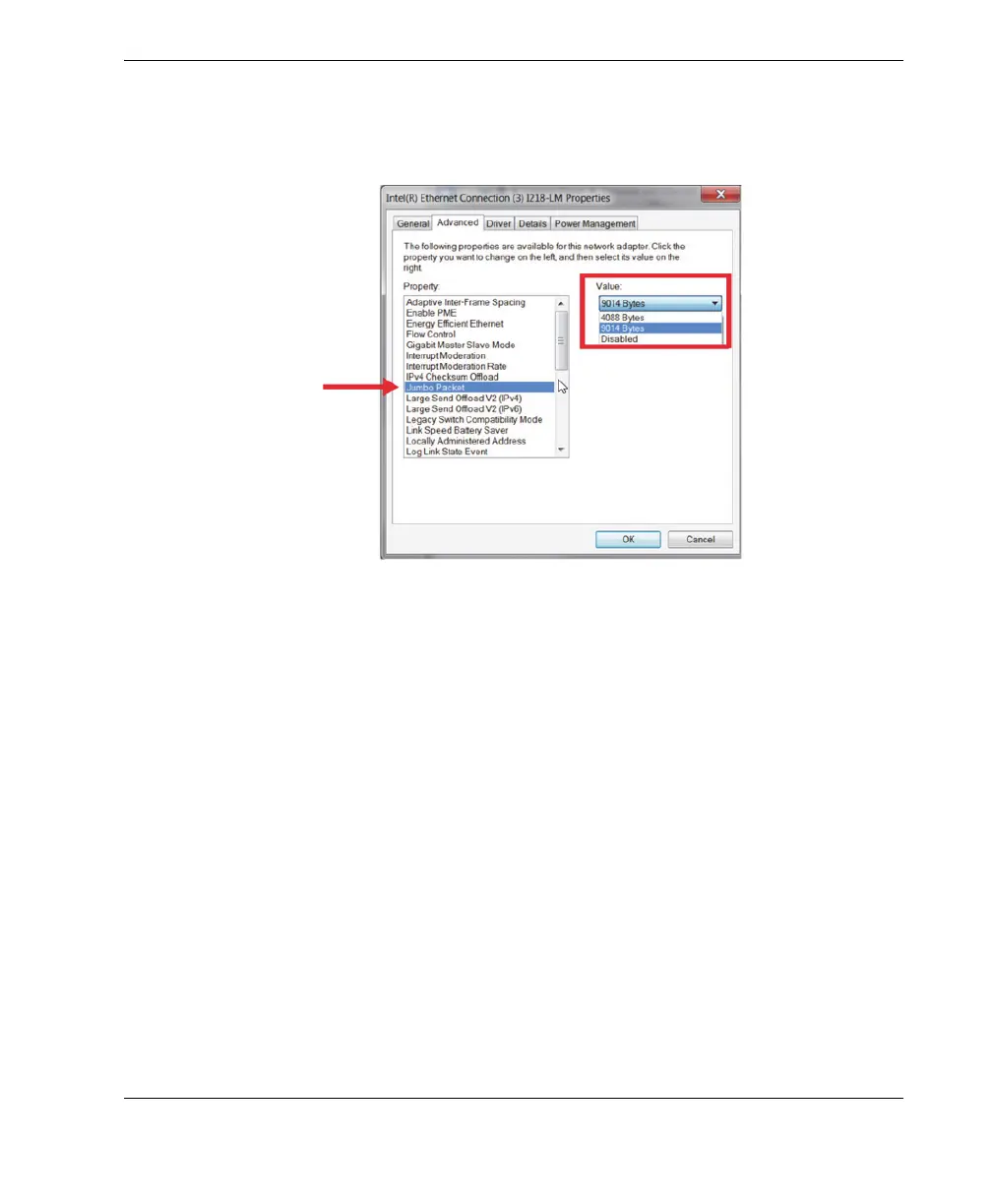
○ On the Advanced tab, under Properties select Jumbo Packet or Jumbo
Frames and then under Value change the value to 9014 Bytes (Figure 7-2
on page 77).
Figure 7-2 Jumbo Packet setting
○ On the Advanced tab under Properties, select Speed & Duplex and then
under Value, change the value to 1.0 Gpbs Full Duplex or Auto-
Negotiation (Figure 7-3 on page 78).



 To Next Page