DMTA-20102-01EN, Rev. 7, October 2022
Basic Operation 47
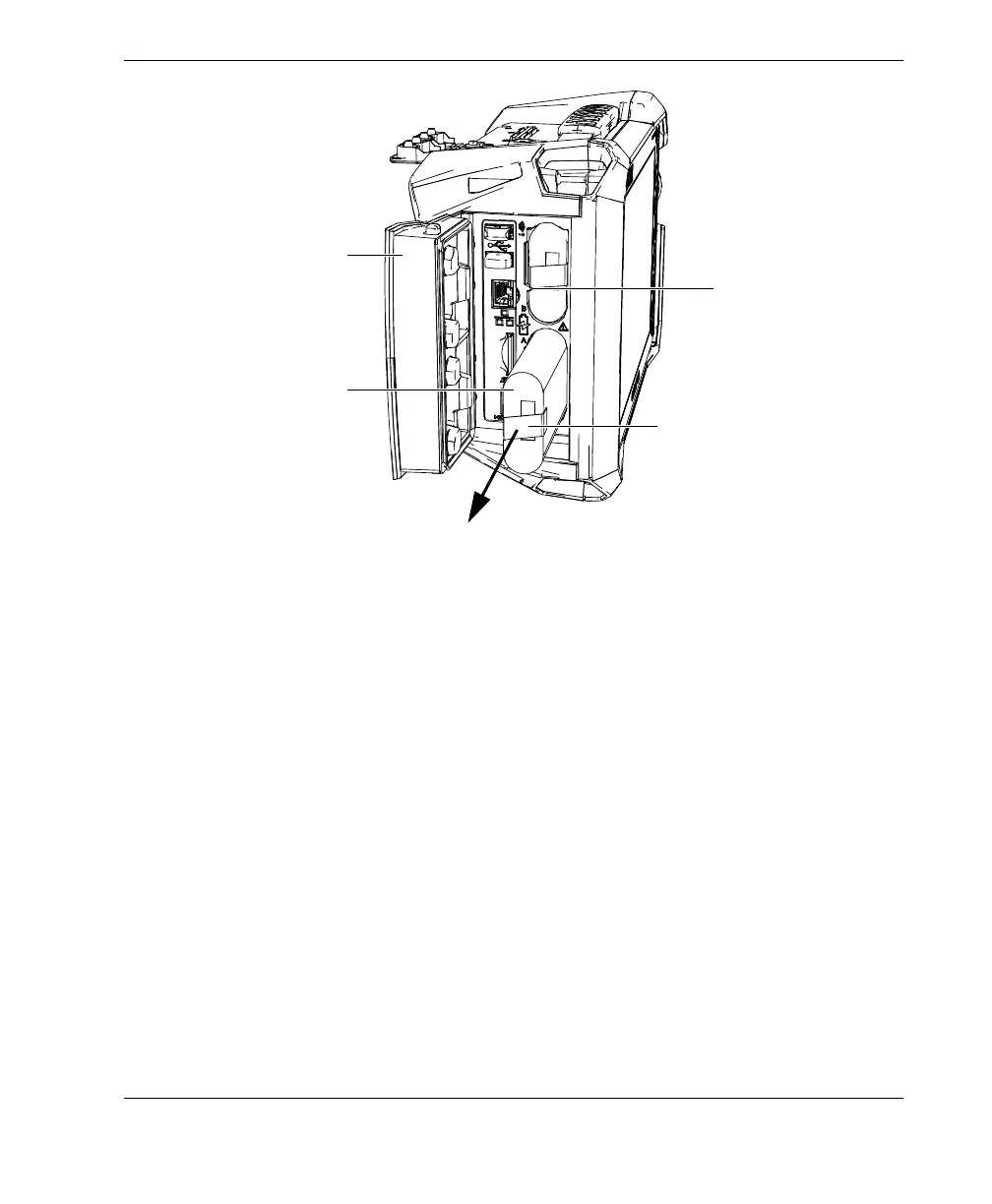
Figure 3-3 Removing a lithium-ion battery
3. Align the groove on the new battery with the key in the compartment, push the
battery into the compartment until it bottoms, and then pull rightward to lock it
in place.
4. Close the battery compartment door.
Make sure that both latches lock when the door is closed.
The battery is recharged inside the OmniScan X3 flaw detector when it is connected to
a DC power adaptor. Connecting the adaptor automatically starts the recharging
process. The battery can also be recharged using an optional external battery charger
(P/N: OMNI-A-CHRG [U8767077]).
Battery compartment door
Lithium-ion battery
Battery tab
Battery alignment groove



 To Next Page