Design and function
Organising welding tasks (Mode "JOB Manager")
099-000121-EW501
29.06.2015
5.12 Organising welding tasks (Mode "JOB Manager")
After carrying out any of the actions described, the machine switches back to the default
parameters such as current and voltage.
To ensure that all the changes are active, the welding machine should only be switched off after 5
seconds have elapsed.
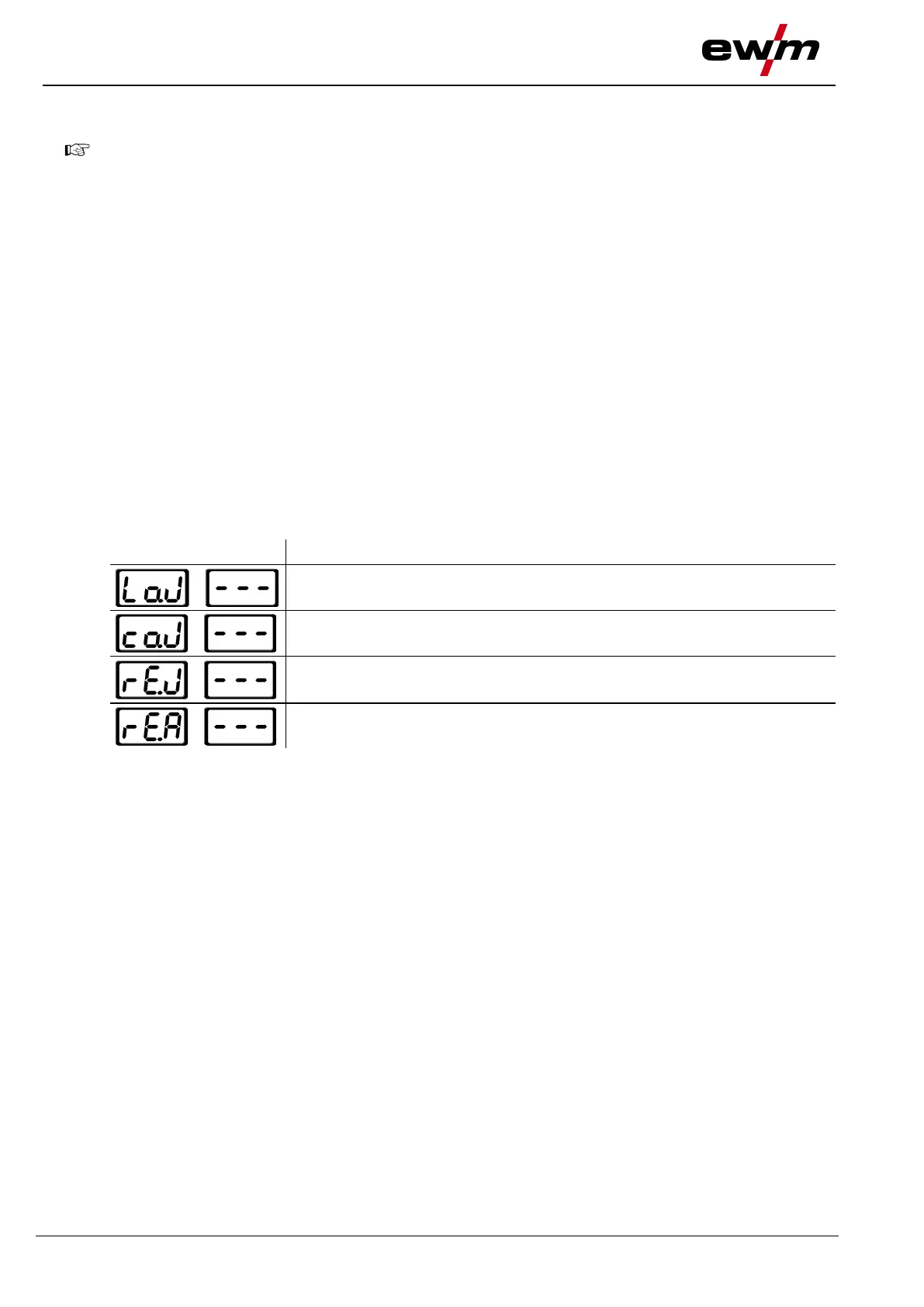
The JOB Manager can be used to load, copy or save JOBs.
A JOB is a welding task defined using the 4 main welding parameters
• welding process,
• material type,
• electrode diameter and
• seam type.
One program sequence can be defined in each JOB.
Up to 16 programs (P0 to P15) can be set in each program sequence.
The user has a total of 249 JOBs available. 121 of these JOBs are pre-programmed. A further 128 JOBs
can be freely defined.
A distinction is made between two memory sectors:
• 121 factory-set, pre-programmed, permanent JOBs. Permanent JOBs are not loaded but are defined
by the welding task (each welding task is permanently assigned a JOB number).
• 128 freely definable JOBs (JOBs 129 to 256)
5.12.1 Explanation of symbols








 To Next Page