MS Series PABX User Manual
7
Chap 3 System programming
3.1 Before programming
● All the programming must be performed on the extension 601 or 602 or
603 or 604; all the programming must be done in programming status.
● All the extension must be dual tone multi frequency phone.
● You can programming one by one, and end the process by pressing #.
You don’t have to hang up if something wrong occurs, you could press * to
restart.
● If programming extension(601,602,603,604)is in Direct-Dial-Out mode,
you need to press * to enter internal status, then start programming.
● When the setting is finished, a long beep indicates that the setting is
done correctly and saved in the system. If instead an array of short chirps
is heard, that indicate an error occurred in the setting. You need to check
and restart the setting. It is only after the end with the long beep you can
continue with another operation step.
At first you must enter into system programming status(details please refer
to 3.2.1 instruction).
3.2 Basic Command
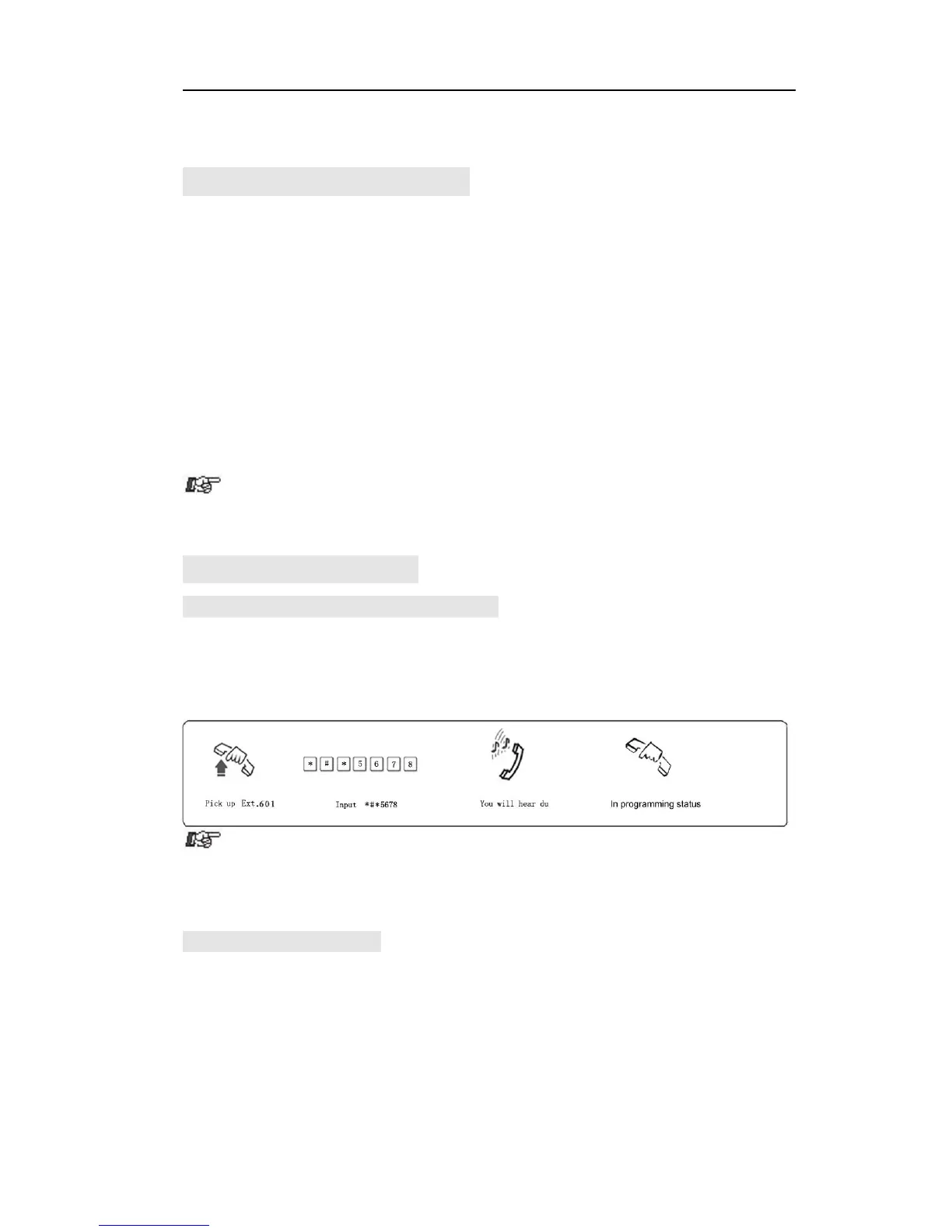
3.2.1 Enter into System Programming Status
Format: # * EFGH
Explanation: EFGH is the system password, default is 0000.
Example: To programming the system, you should input system password
at first, if the password is 5678,as below:
● The default password is 0000, so you need to input *#* 0000 at the
first time when operate this system.
●Programming Ext is EXT.601, or EXT.602, or EXT.603, or EXT. 604
3.2.2 Change the Password
Format: 09EFGH#
Explanation: EFGH is the new password.
Description: to change the password.
Example: Change the system password from “0000” to “5678”



 To Next Page