MS Series PABX User Manual
8
We suggest changing the password before set up this system.
3.2.3 Flash Time Setting
Format: 00F #
F=1 ---------0.8s
F=2 ---------1.0s
F=3 ---------1.2s
F=4 ---------1.5s
F=5 ---------1.8s
Explanation: F means the flash time.
Description: To active the hold and transfer operating use.
On default setting: F=2 (1.0s)
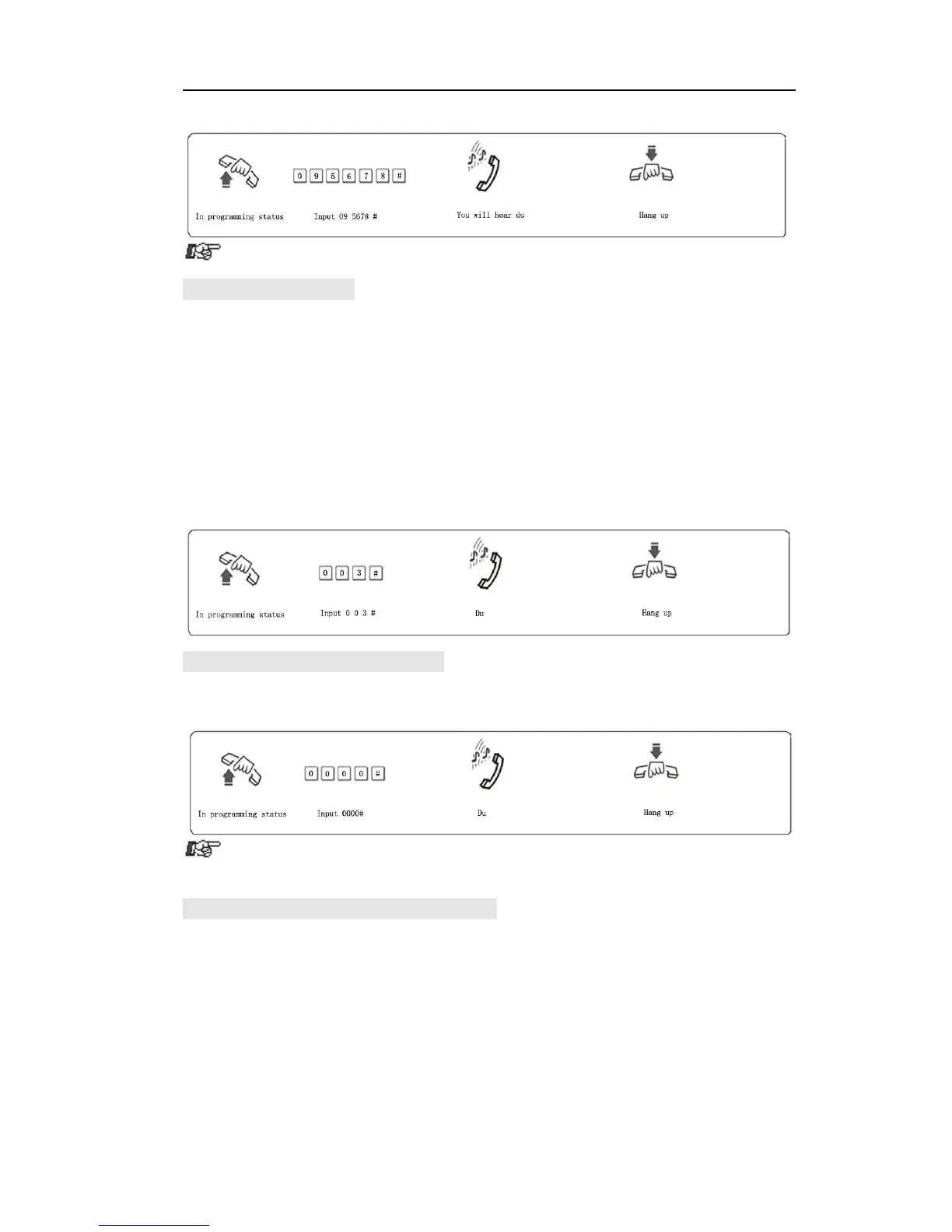
Example: Set the flash time to 1.2S
3.2.4 System RestoreDefault Setting
Format: 0000 #
Description: System will restore the default factory setting.
This command has no influence on the status of enabling/disabling C.O.
line.
3.2.5 Set Delaytimefor outgoing call transfer
Format: 0 3 T T #
Description: TT=01-99, unit is second; it means the time which is from
finish dialing the last number to the system start to allow call transfer
function, The system restriction time also from this time.
Default setting: Duration of time-delay being 5 seconds.
Example: Set delay time: 8s, then input 0 3 0 8# in programming status.



 To Next Page