MS Series PABX User Manual
29
4.4.2 Intercom Call in Direct-Dialing-Out Mode
Format: * + Ext number
Example: Call Ext.608, then you should input * 608
4.5 Answer call
4.5.1 Answer Call in Operator Work Mode
When C.O line incoming arrives, if system is in operator work mode,
the operator ringing extension will ring, when you pick up the handset, you
can talk with the caller directly. On the default setting, Ext.601 and Ext.602
are operator ringing extension.
4.5.2 Answer Call in Auto-attendant Work Mode
The system is built in three section of OGM message(20s as
standard), caller will hear the message in follows situations:
A. when external caller call the C.O. line
B. when the extension dialed is busy
C. when the extension no answer.
Before you use auto-attendant function, you must follow below step:
● When the system enable OGM fast dialing function,you can dial
Dial 1 to call ext. 601、Dial 2 to call ext. 602,… dial 8 to 608, dial 0 to
operator(refer 3.5.5).
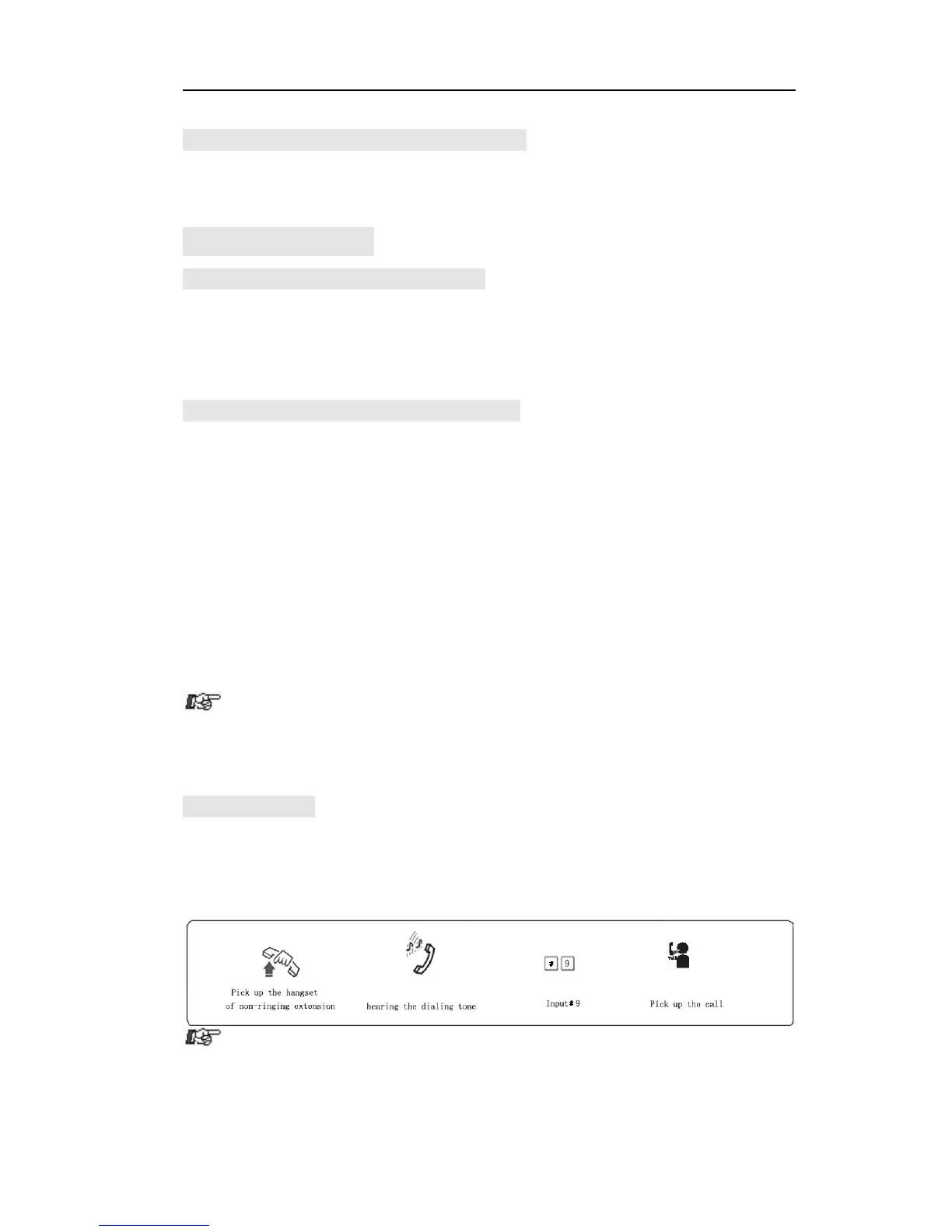
4.5.3 Call PickUp
Operation1:
Format: # 9 (Indirect-Dialing-Out mode)
Description: Allow you to answer an incoming call (direct or transferred)
which is ringing on other extension.



 To Next Page