MS Series PABX User Manual
22
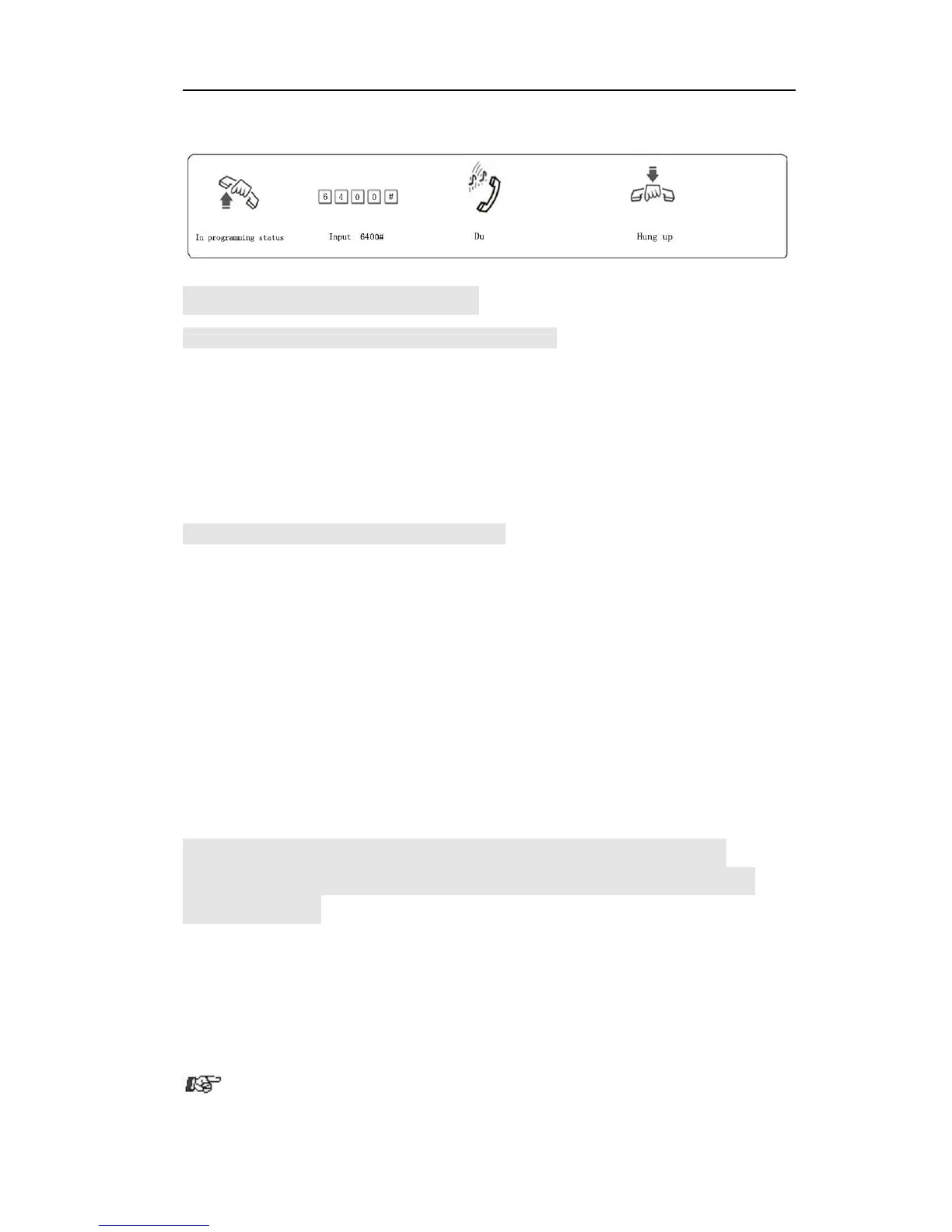
Example:Clear the Ext.604 outgoing call duration restriction.
3.16 Ext Access C.O.Line
3.16.1 Set Ext Access Certain C.O. Line inday mode
Format:
70MN0# Set extensions N access C.O line M in day mode.
70M0# Set all extension can access C.O line M in day mode.
70M1# All extensions can not access C.O line M in day mode.
70MN1# Restrict EXT.N to access C.O line M in day mode
70N2# Set EXT. N can access all C.O.line in day mode.
70N3# Restrict EXT.N can access all C.O.lines in day mode.
3.16.2 Set Ext Access C.O.Line in night mode
◆Note: If you not set day/night mode, you don’t need to do this setting.
Format:
71MN0# Set extensions N access C.O line M in night mode.
71M0# Set all extension can access C.O line M in night mode.
71M1# All extension can not access C.O line M in night mode.
71MN1# Restrict EXT.N to access C.O line M in night mode.
71N2# Set EXT. N can access all C.O.line in night mode.
71N3# Restrict EXT.N can access all C.O.lines in night mode.
Explanation: M: C.O. Line port No, M =1-3 N: the Ext. port No., N =1–8
Description: This functions allow you to assign certain CO line exclusively
be accessed by certain extension for outgoing calls and other extensions
can’t use it for outgoing call.
3.17 Set Fax Ext and Enable/Disable Auto Fax
Detect function(Optional only for higher version
MS+ series)
Format: 470# Disable auto fax detect function
470N# Set Ext.N is fax Ext and enable auto fax detect function
471K# Set the fax signal number detected, that is system will
recognize the signal as fax when detect number K (on
default setting, K =2)
Description: In auto-attendant mode, when the call from external fax
machine, the system will ring the fax extension.



 To Next Page