start recording and another beep tone “du” to end recording;
●The new message will overwrite the old one;
● Please use high quality telephone to ensure high quality of
recording;
● If the caller dial a number before the system finish playing the
message, the system will terminate playing the message, waiting for the
caller to continue with dialing;
●The call will be forwarded to Operator if caller dial 0.
3.6.4 OGM playing(multiple section mode)
Format: 13 M # ( M=1,2,3, 4, the section of the OGM )
Description: Check and review the recorded message, if you are not
satisfied, you can record again.
3.6.5 One section OGM Mode
Format: 1200 #
Description: to recording one section OGM
Format: 1300 #
Description: to play and check one section OGM
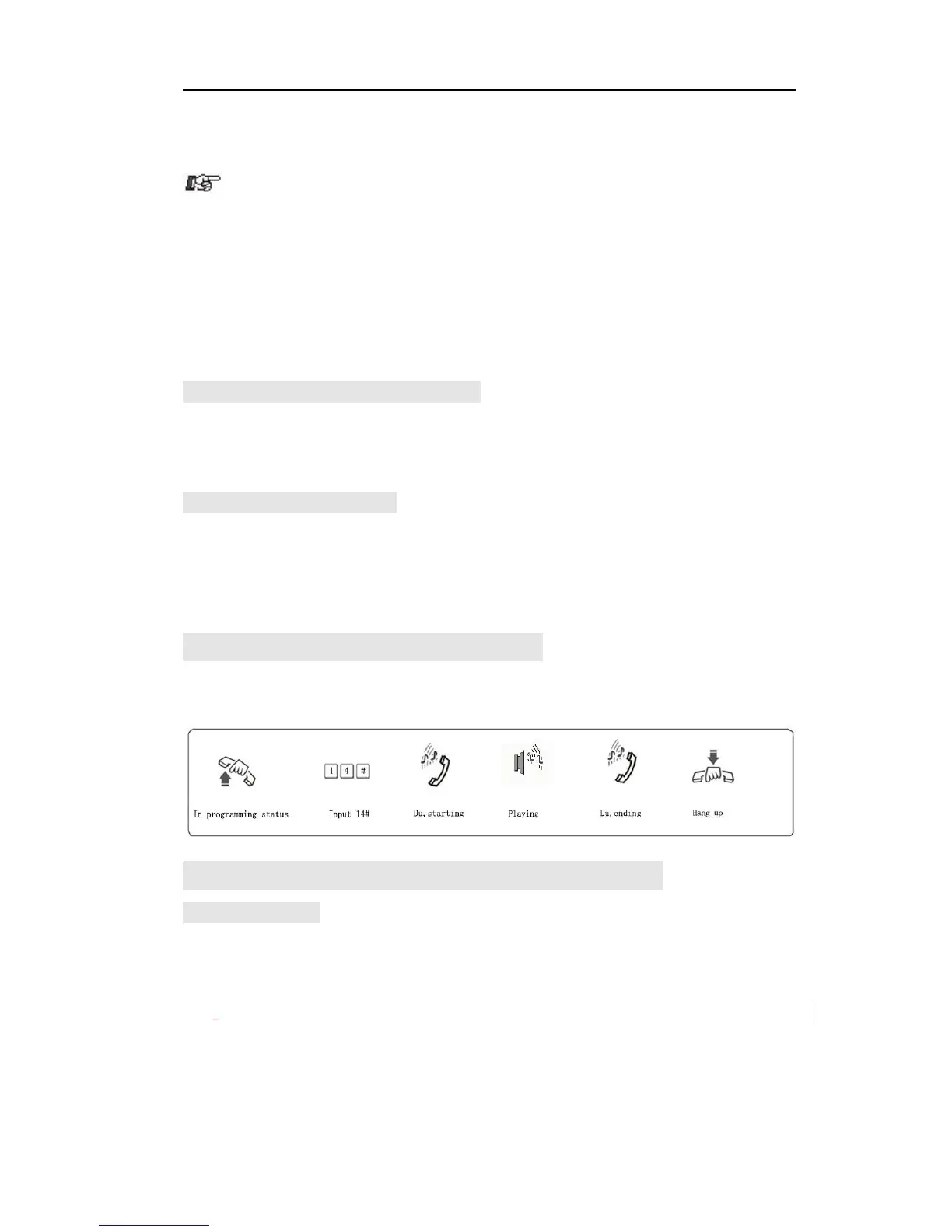
3.7 Review the Holding Music
Format: 14 #
Description: Perform the music on holding melody or test the quality of
telephone unit.
3.8 Set Operator and Ringing Extension
3.8.1 Set Operator
Format: 15N #
Explanation: N: the Ext. port No., N=1-8
Description: To assign any Ext as the operator. In the default setting, Ext
602 is the operator.
Example: Set Ext.602 as operator



 To Next Page