MS Series PABX User Manual
39
Chap 8 System Programming &
Operation Instruction
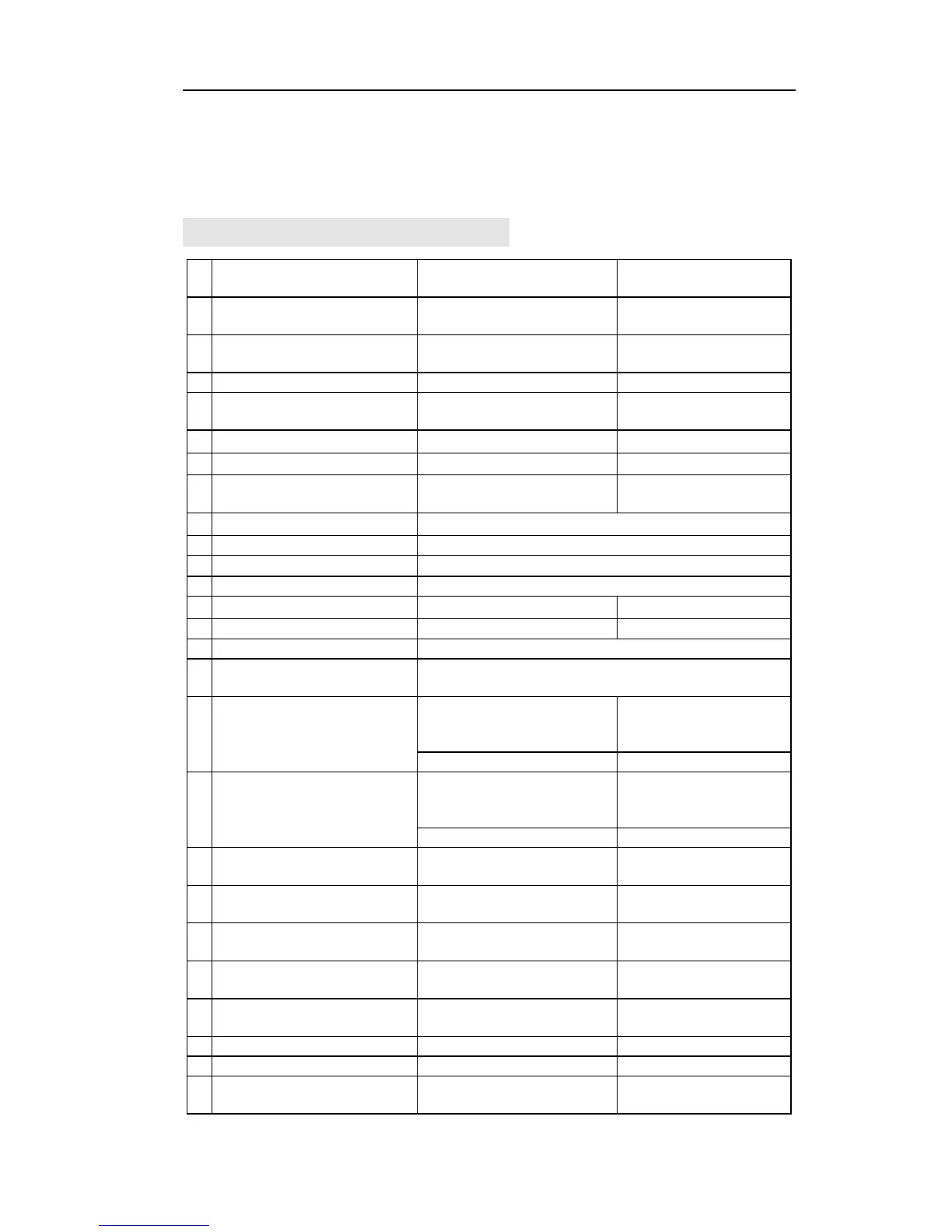
8.1Index of Basic Operation
Indirect-Dialing-Out mode
Command
Set to day status in manual
mode
Set to Night status in manual
mode
Outward Dialing by a
Exclusive Line
Intercom calling extension
Intercom calling
Exts.Group
Pat hook + Ext number(or Exts.Group number)
Pat hook + * + Ext number
Call Pickup for certain Ext.
Call Pickup for all calling
R key(for waiting call function
on the same line)
setting: #81 +Ext .number
setting: #81+*+External.
number
*# 81+Ext. Number
*#81+*+External.
number
Call Forwarding when Ext is
busy or nobody available
setting: #82 +Ext. number
setting: #82+*+External.
number
*# 82+Ext. number
*#82+*+External.
number
Automatically Call back Busy-
come on
Automatic Reporting of Ext
number (voice)
Reporting of Ext number for
caller ID phone
Connect with Operator
Directly
Priority Access and
Monitoring (only Ext.601)
Clear extention function
setting



 To Next Page