Inspecting Fiber Ends
Fiber Inspection Probe 67
Inspecting Multiple Fiber Ends (MF-Ready Probes Only)
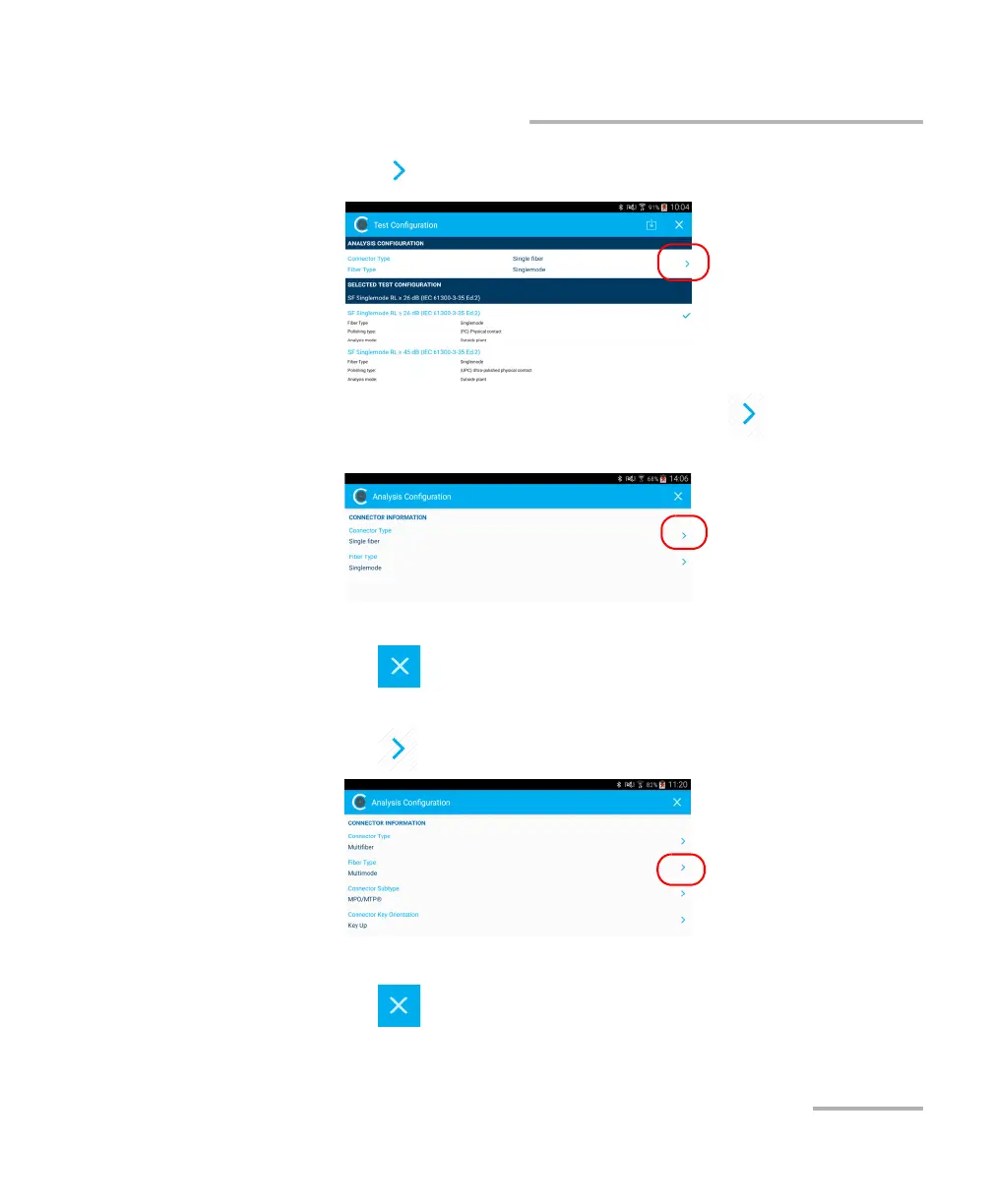
6b. Tap to access the Analysis Configuration window.
6c. In the Analysis Configuration window, tap to change the
connector type.
6d. Select Multifiber.
6e. Tap to exit the Connector Type window.
7. To specify the fiber type, proceed as follows:
7a. Tap at the end of the Fiber Type row.
7b. Select a fiber type.
7c. Tap to return to the Analysis Configuration window.



 To Next Page