Getting Started with Your Unit
Fiber Inspection Scope 23
Changing Your Unit’s SmarTip
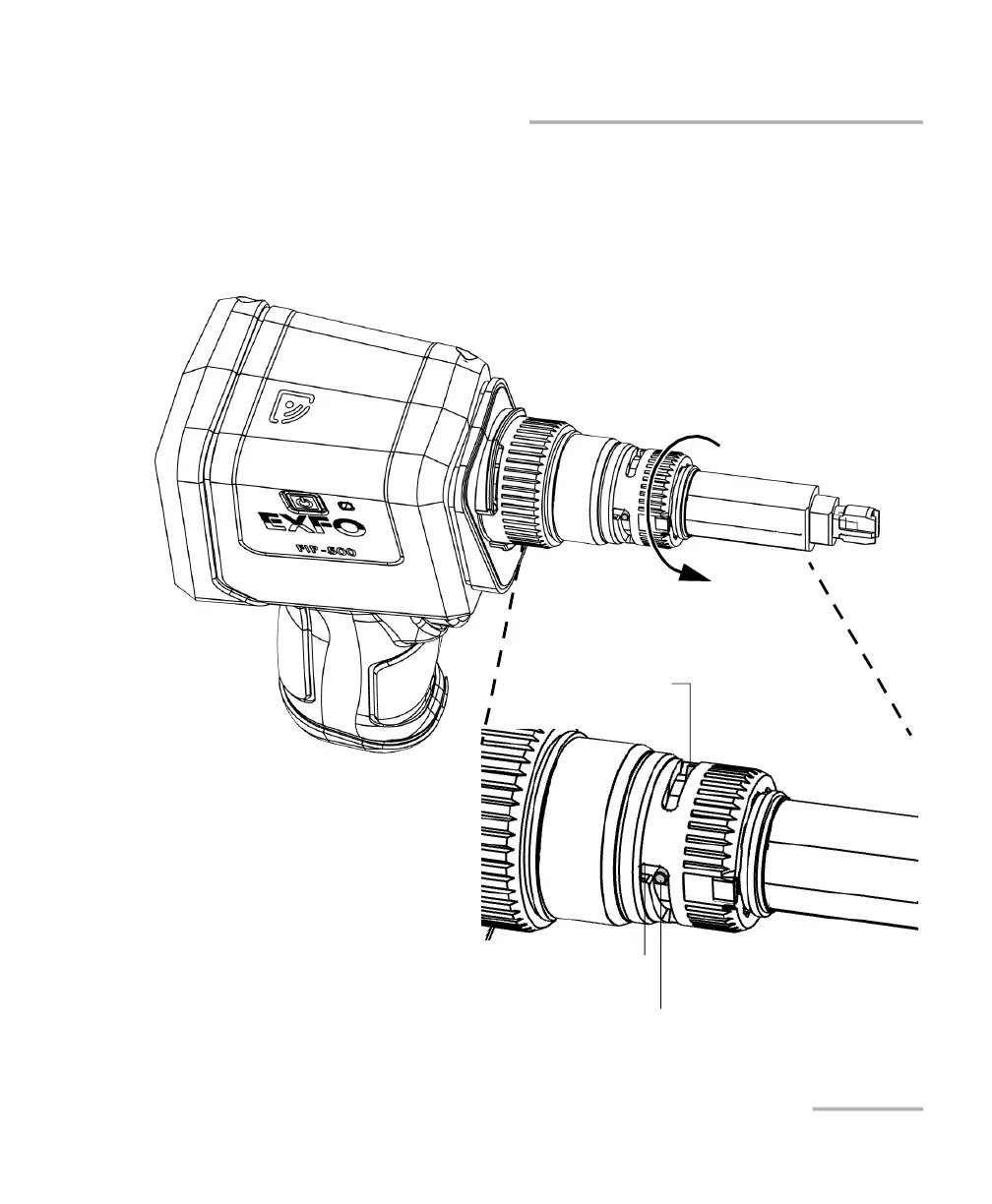
To change your unit’s SmarTip:
1. If necessary, remove the protective cap from the unit.
2. Turn the SmarTip retaining nut counterclockwise until the pins are
aligned with the widest part of the SmarTip anchoring slots.
Widest part of the SmarTip anchoring slot
Pin
Pin



 To Next Page