Working with the EXFO Exchange Application
60 FIP-500
Enabling or Disabling the Wireless Communication
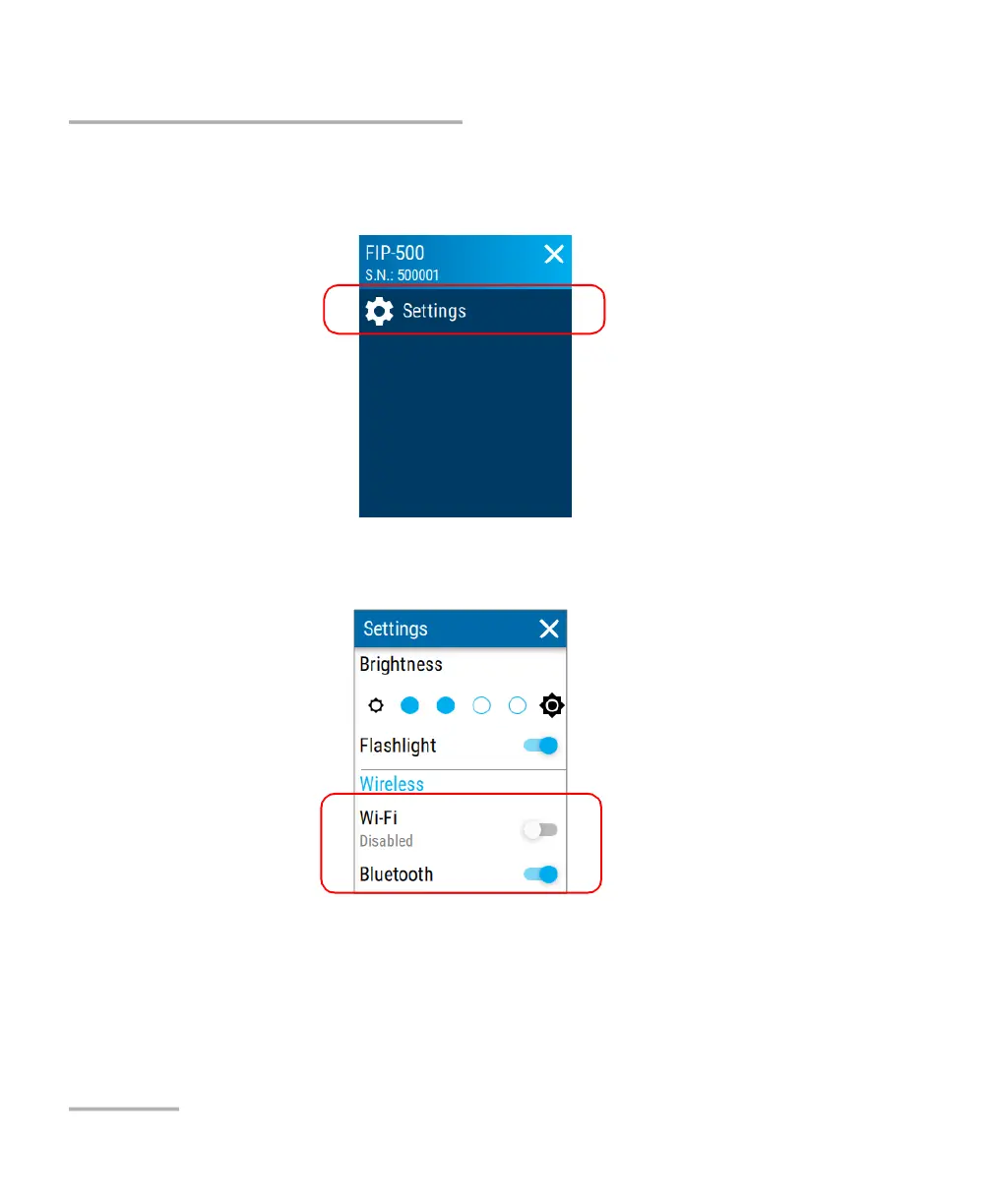
To enable or disable the wireless communication from your unit:
1. From the main menu, tap Settings.
2. From the Wireless section, use the Wi-Fi or Bluetooth toggle to enable
or disable the communication as needed.
The changes are taken into account immediately.



 To Next Page