Working with the EXFO Exchange Application
Fiber Inspection Scope 65
Working With a Wireless Network
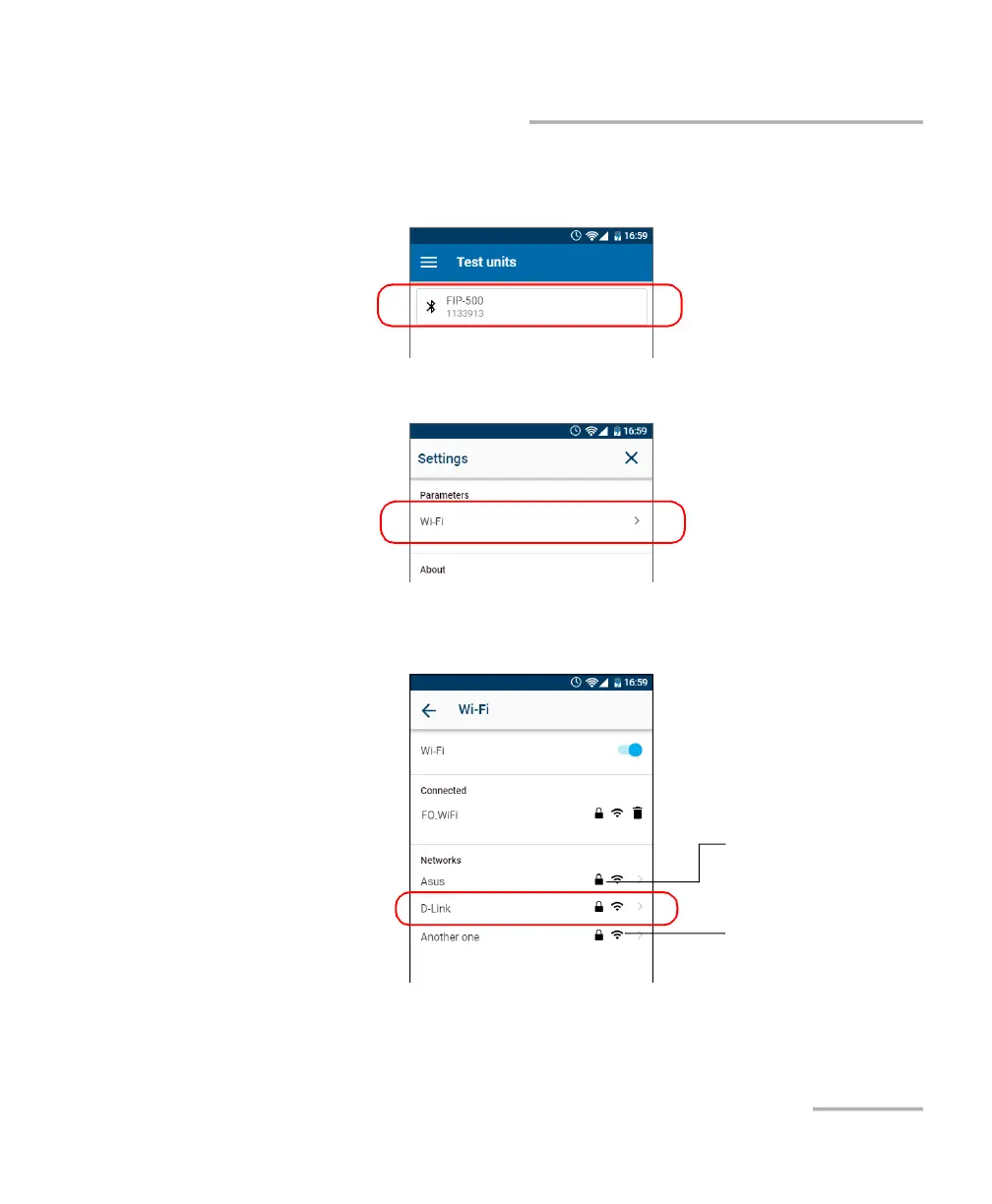
4. From the Test units screen, tap the line corresponding to your FIP-500
unit.
5. Tap Wi-Fi.
6. Tap the item corresponding to the wireless network that you want to
configure.
Signal strength
Secured network
(identified by a lock icon)



 To Next Page