Working with the EXFO Exchange Application
66 FIP-500
Working With a Wireless Network
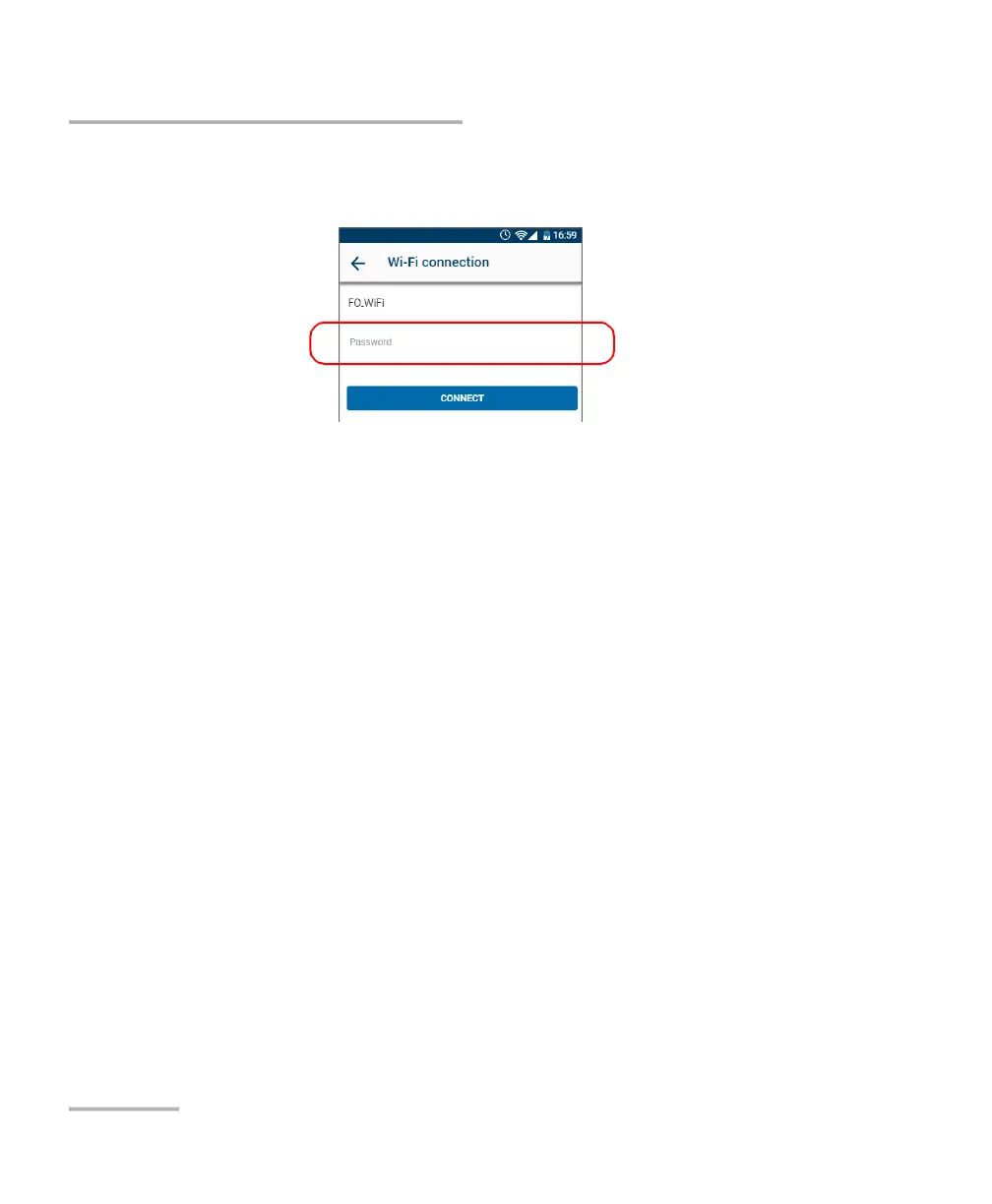
7. If the network is protected by a network security key (password), enter
it.
8. Tap CONNECT.
9. Follow the on-screen instructions.
The application establishes the communication automatically.
Connecting to a Wireless Network From Your Unit
When you start a new work session with your unit, it will automatically
connect to the last network used, unless this network is not available or its
password has changed in the meantime (reconfiguration necessary).
Should a network failure occur while the unit is connected to it, the unit
will try to reconnect to this network automatically as soon as it becomes
available again.



 To Next Page