Setting Up Your FTB-500
96 FTB-500
Configuring the Power Management Options
You can either modify one of the existing power plans or create one (based
on an existing power plan). It is always possible to revert to factory default
values for the predefined plans. You can delete custom power plans that
you no longer use, but not the predefined plans.
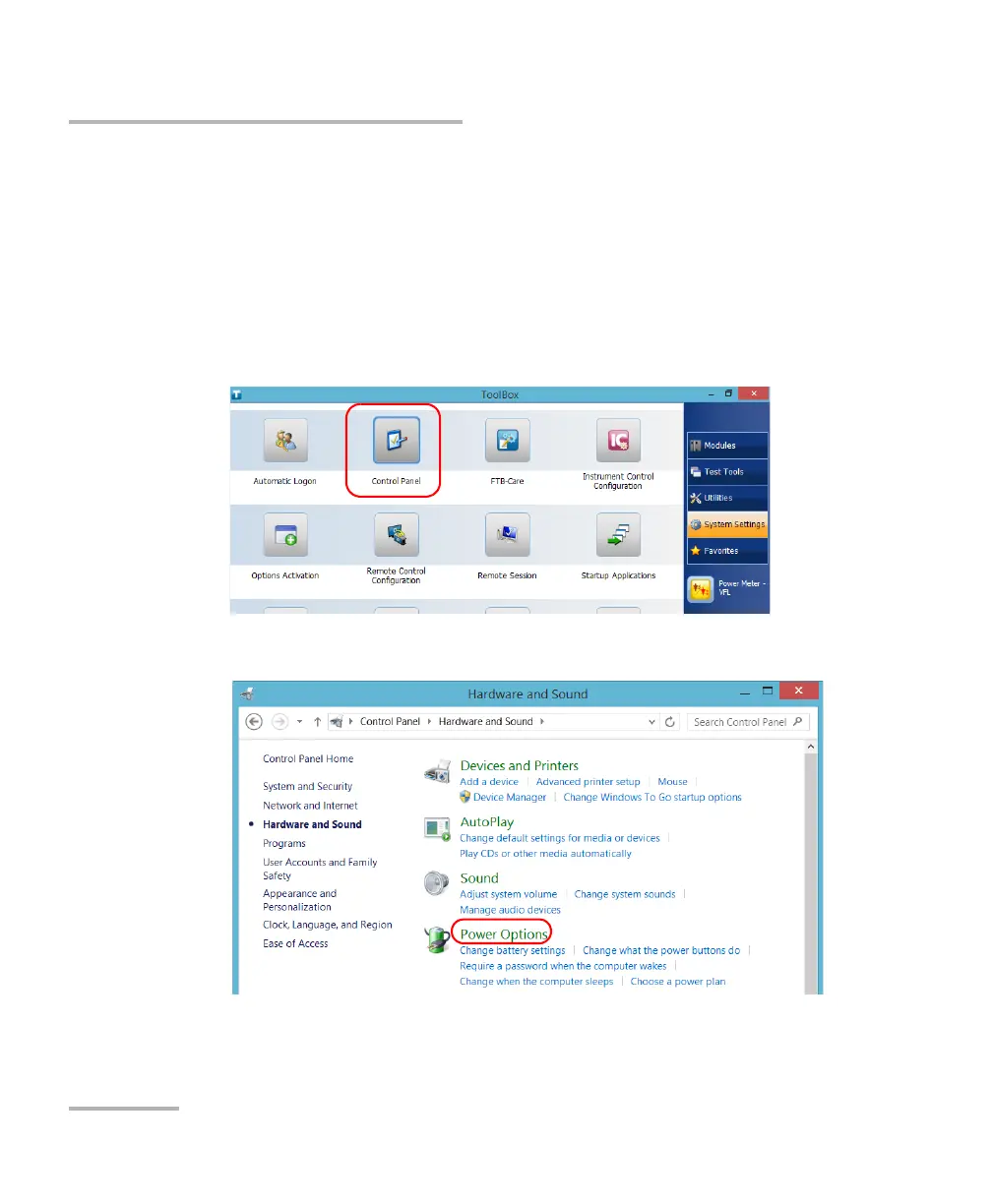
To select a power plan:
1. From the main window, tap the System Settings button.
2. Tap Control Panel.
3. Tap Hardware and Sound > Power Options.



 To Next Page