Setting Up Your FTB-500
FTB-500 71
Customizing the Right-Click Feature
Customizing the Right-Click Feature
By default, you can perform a “press and hold” action which corresponds
to right-clicking with your touchscreen (see Right-Clicking with the
Touchscreen on page 44). However, you can disable this feature if you
prefer.
You can also modify the delay before the unit considers that you are
right-clicking, as well as the amount of time before displaying the shortcut
menu once you have right-clicked.
To customize the right-click feature:
1. From the main window, tap the System Settings button.
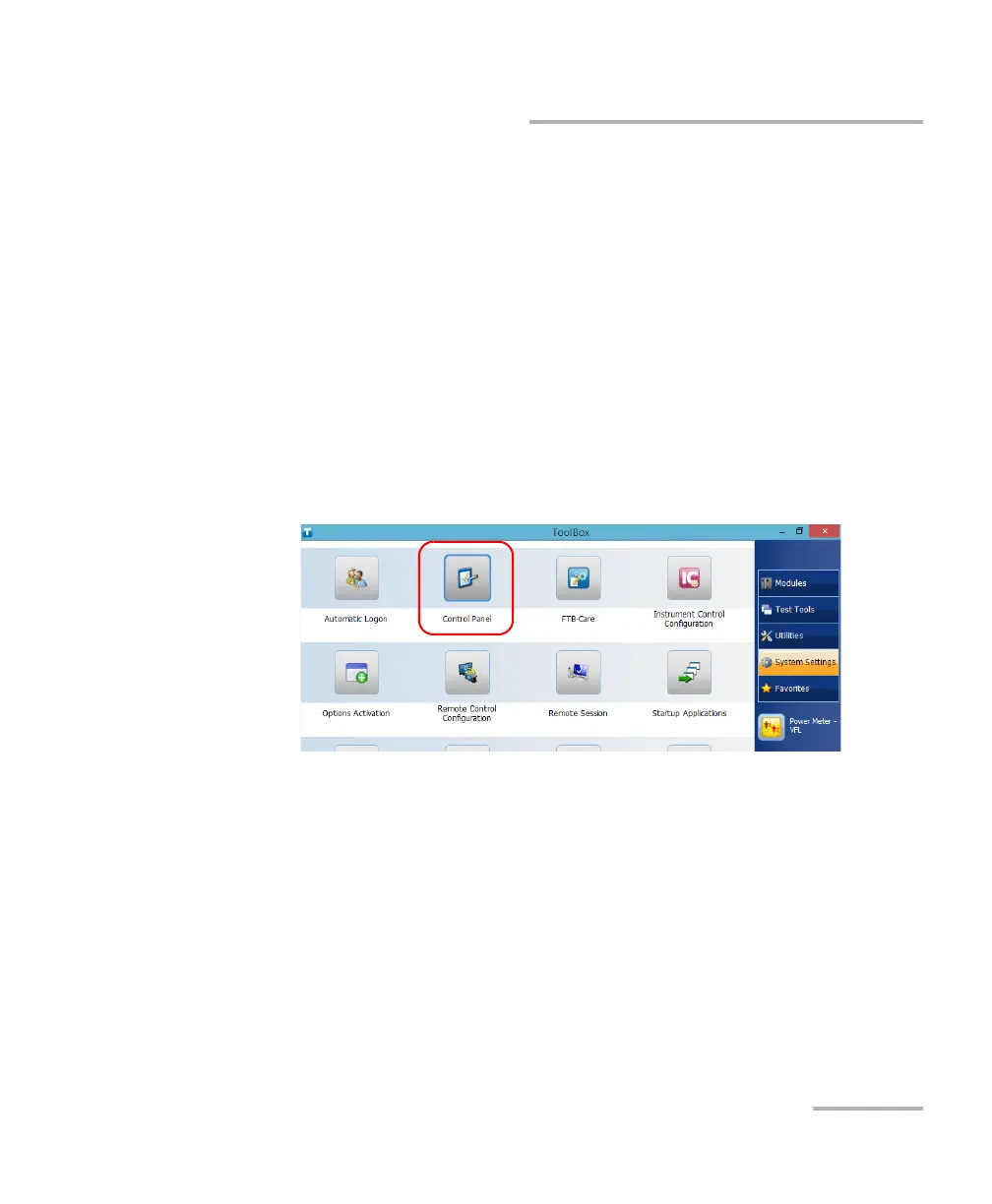
2. Tap Control Panel.



 To Next Page