Setting Up Your FTB-500
FTB-500 81
Configuring Network Printers
Configuring Network Printers
Your unit supports both (local) USB and network printers (you may have to
install specific drivers on your unit).
For more information on USB printers connection, see Using a Keyboard,
Mouse or Other USB Devices on page 56.
To print documents and images on a network printer, you must configure
the printer first. You must know the IP address of the network printer that
you want to configure, and ensure that your unit is connected to the same
network as the printer (either wireless or Ethernet connection). Contact
your network administrator for more information on your specific network
configuration.
For more information on printing, see Printing Documents on page 111.
To configure the printer:
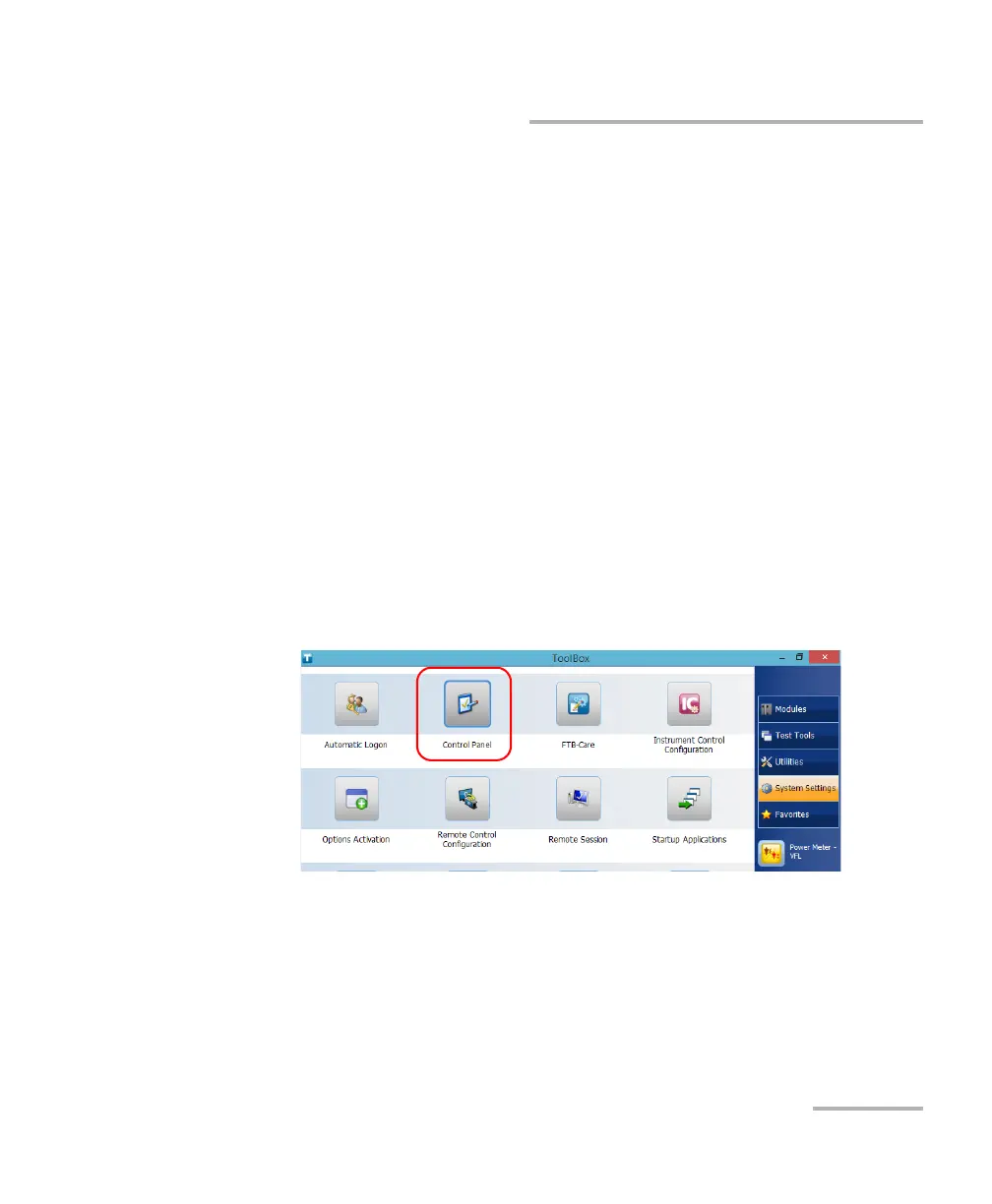
1. From the main window, tap the System Settings button.
2. Tap Control Panel.



 To Next Page