Getting Started with Your Unit
FTB-500 41
Starting Module Applications
Starting Module Applications
Your modules can be configured and controlled from their dedicated
applications in Toolbox.
To start a module application:
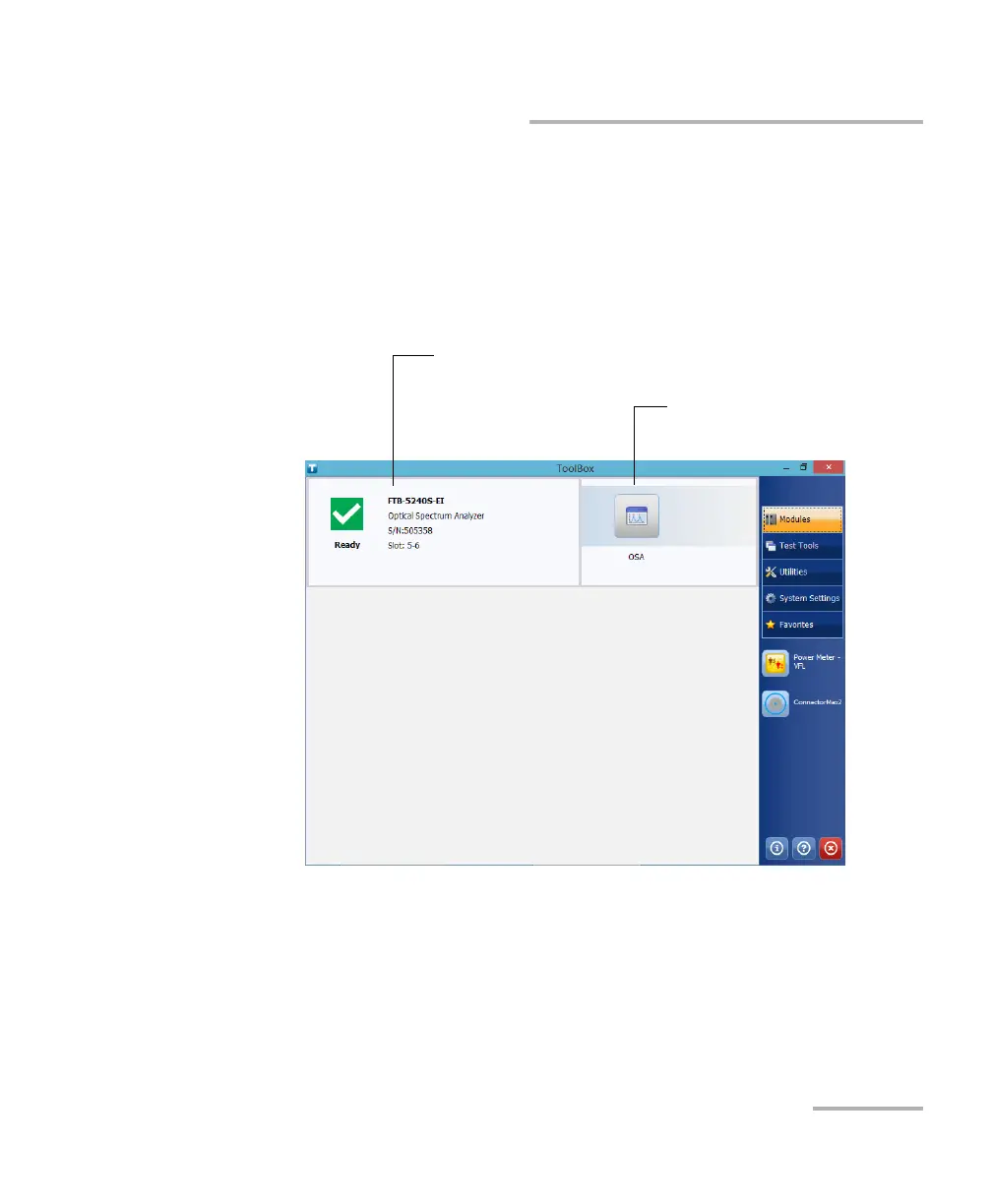
1. If necessary, tap the Modules button to display the modules window.
Note: The slot numbers are 0-3 for the four-slot model and 0-7 for the eight-slot
model. The slots are identified on both sides of the unit.
2. On the row corresponding to the desired module, tap the icon of the
application with which you want to work.
Inserted module
Applications specific to the
module



 To Next Page