Setting Up Your FTB-500
FTB-500 109
Configuring Parameters via Windows Mobility Center
Configuring Parameters via Windows Mobility
Center
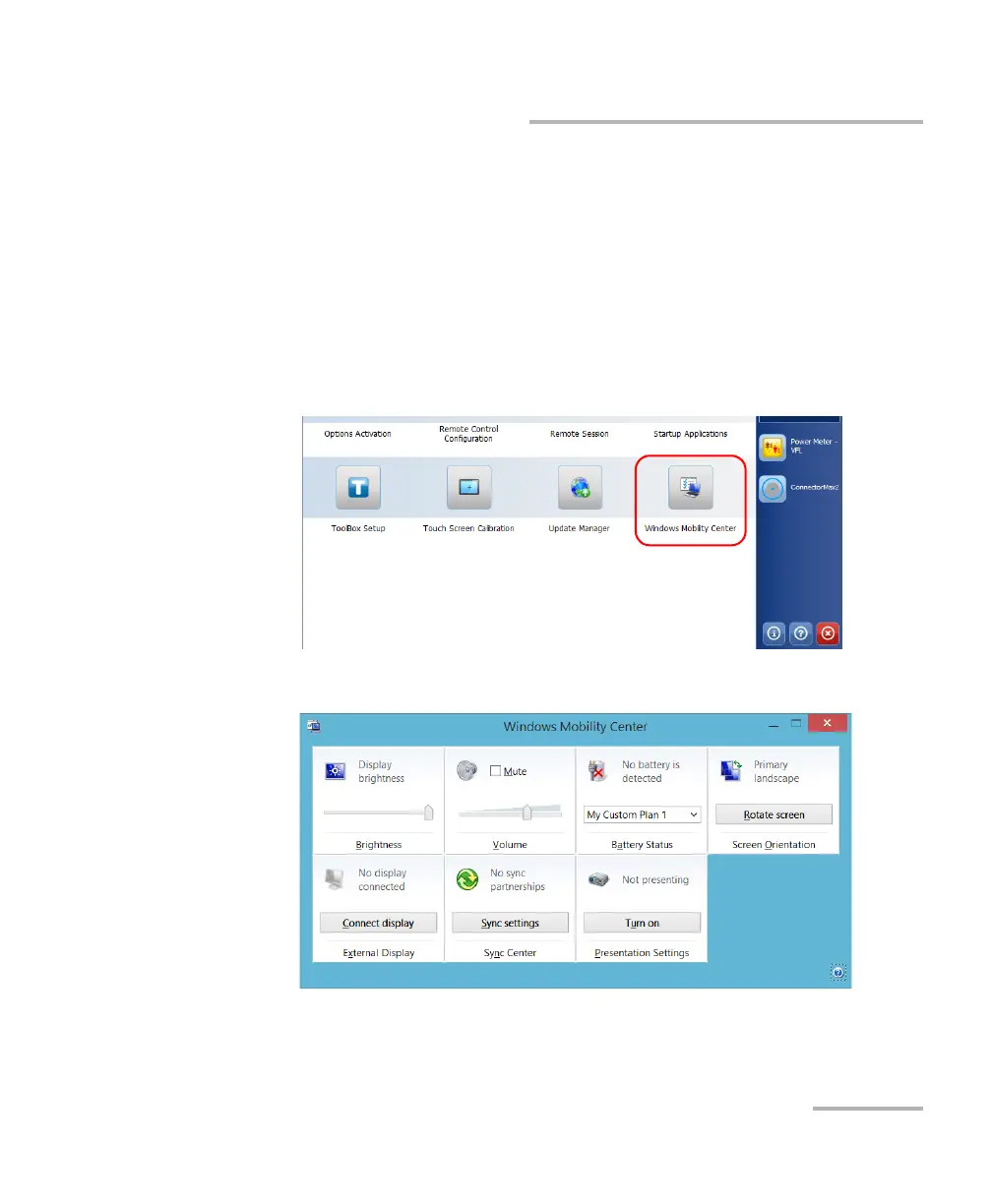
For a quick access to various parameters such as the brightness, volume,
or power plans, you may want to use the Windows Mobility Center.
To configure the parameters via Windows Mobility Center:
1. From the main window, tap the System Settings button.
2. Tap Windows Mobility Center.
3. Set the parameters as desired.



 To Next Page