Managing Data
164 FTB-500
Using Your Unit as an FTP Server
Using Your Unit as an FTP Server
If you want your unit to act as an FTP server, you can use the Internet
Information Services (IIS) Manager. If you need information on the IIS
Manager or on how to transfer files via an FTP server, refer to Windows
online help.
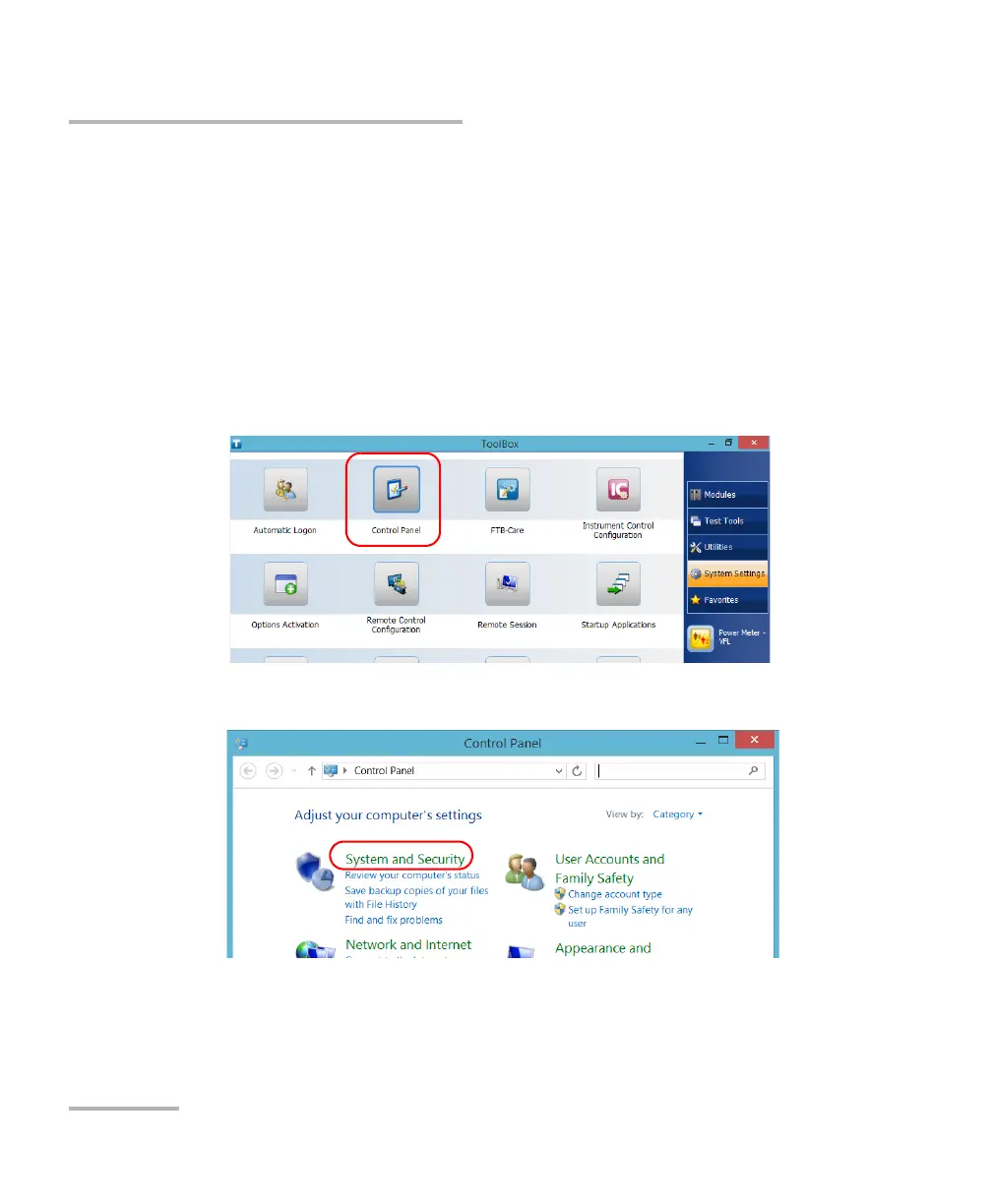
To access the IIS Manager:
1. From the main window, select the System Settings tab.
2. Tap Control Panel.
3. Tap System and Security.



 To Next Page