Setting Up Your FTB-500
FTB-500 79
Selecting the Startup Applications
Selecting the Startup Applications
The first time you start your unit, Toolbox is displayed. You can configure
your unit to automatically start any of the available applications as soon as
Toolbox is started. This can save you time, as you do not need to ensure
that they are already running before starting your tests.
If the required module is not present in the unit, the specified applications
will simply not be started. In some cases, you may have to select the
applications again the next time the module is inserted into the unit.
To set applications to start automatically at Toolbox startup:
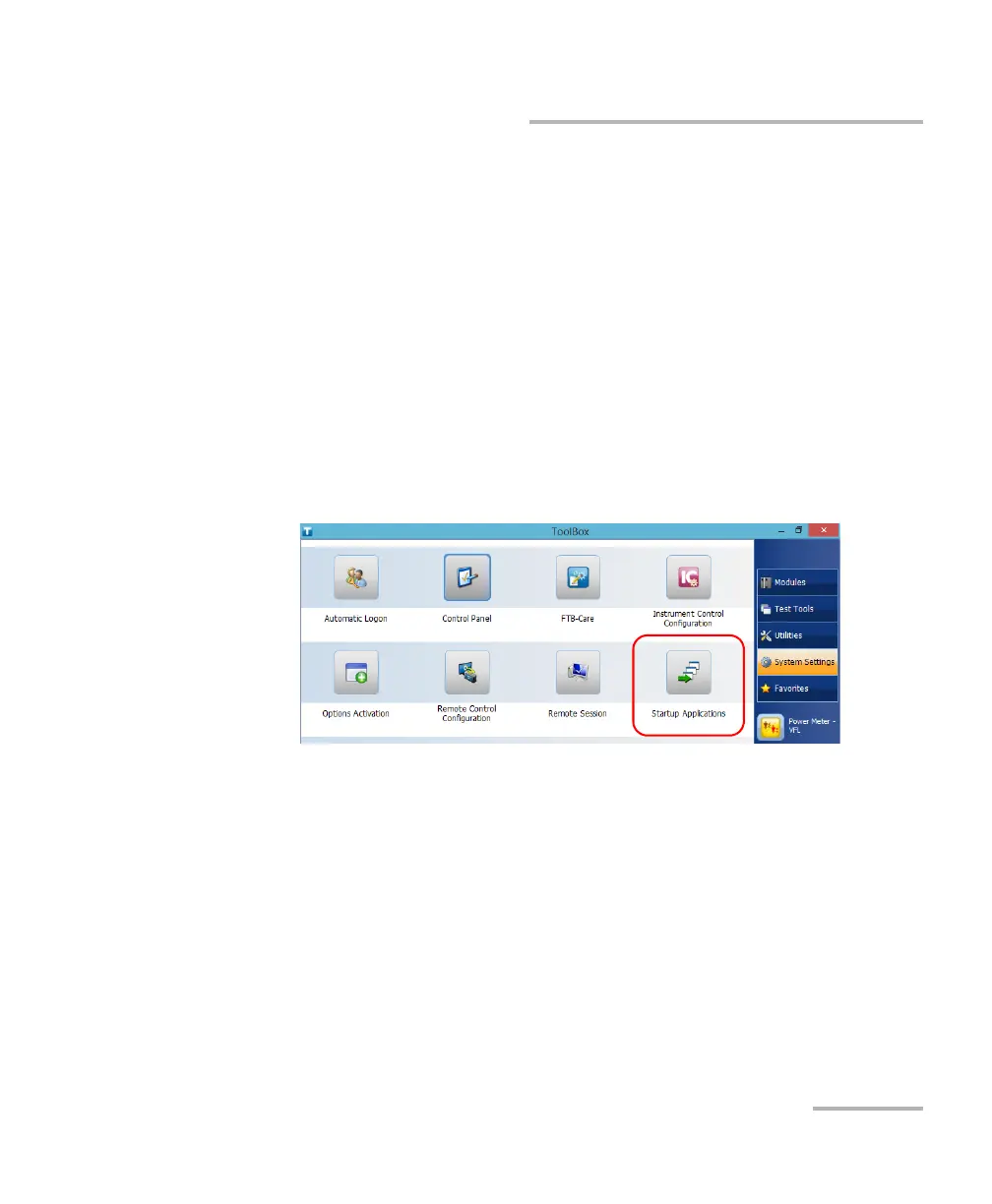
1. From the main window, tap the System Settings button.
2. Tap Startup Applications.



 To Next Page