Getting Started with Your Unit
FTB-500 25
Positioning Your Unit
Positioning Your Unit
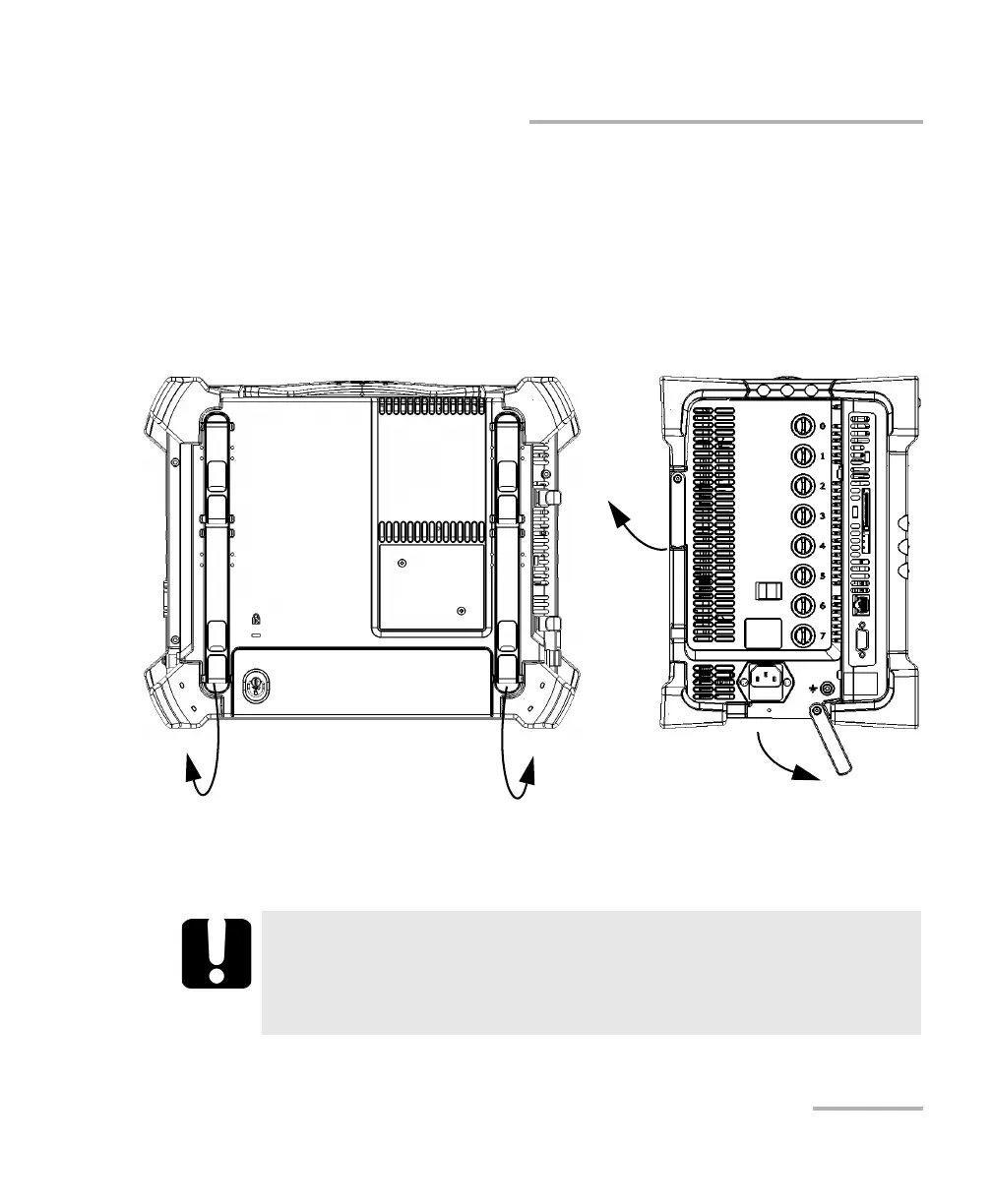
You can change the orientation of your unit with the bottom or back
supports.
To position the unit using the supports:
Pull out the support pair that will provide you with the best viewing angle
according to your situation.
IMPORTANT
The supports should always be used in order to ensure that the unit
is stable during your tests and will not fall down to cause damage
to the test components or injure you.
Four-slot model
There are two sets of stands on the
back of the unit with different
lengths. Select the one that provides
you with the best angle.
Back
support
Bottom support
Eight-slot model



 To Next Page