Communicating Through TCP/IP over Telnet
FTB-500 409
Configuring Your Unit and Modules to Work With TCP/IP over Telnet
Configuring Your Unit and Modules to Work
With TCP/IP over Telnet
The TCP/IP over Telnet Service, which is part of the EXFO Instrument
Control, is a mediator between the Telnet client and the test instrument.
Once your unit is configured properly, any request from the Telnet client is
transferred to the appropriate instrument. The instrument executes the
request and returns the response to TCP/IP over Telnet accordingly.
To allow remote access to your instruments (FTB-2/FTB-2 Pro,
LTB-1, and LTB-8 only):
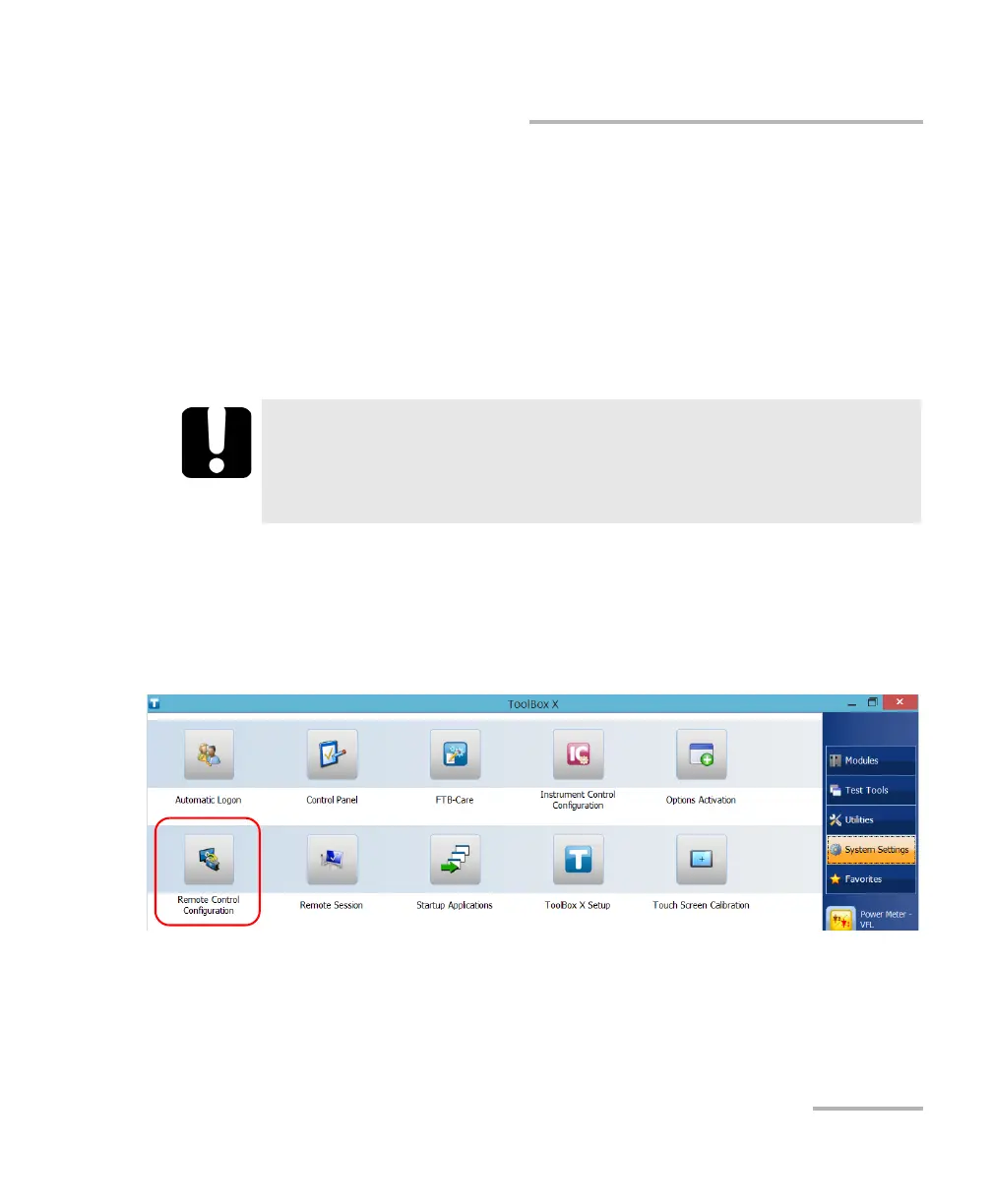
1. From ToolBox X, tap or click the System Settings button.
2. Tap or click Remote Control Configuration.
IMPORTANT
If you are working with an FTB-2/ FTB-2 Pro, an LTB-1, or an LTB-8
unit, before being able to control instruments with SCPI commands,
you must first allow remote access to these instruments.



 To Next Page