Setting Up Your FTB-500
FTB-500 107
Configuring the Internet Options
Configuring the Internet Options
You can browse the Web directly from your unit, provided that you have
access to an Internet connection and that the Internet options are
configured properly.
If you are not sure about how you should configure your Internet access,
contact your network administrator.
To configure the Internet options:
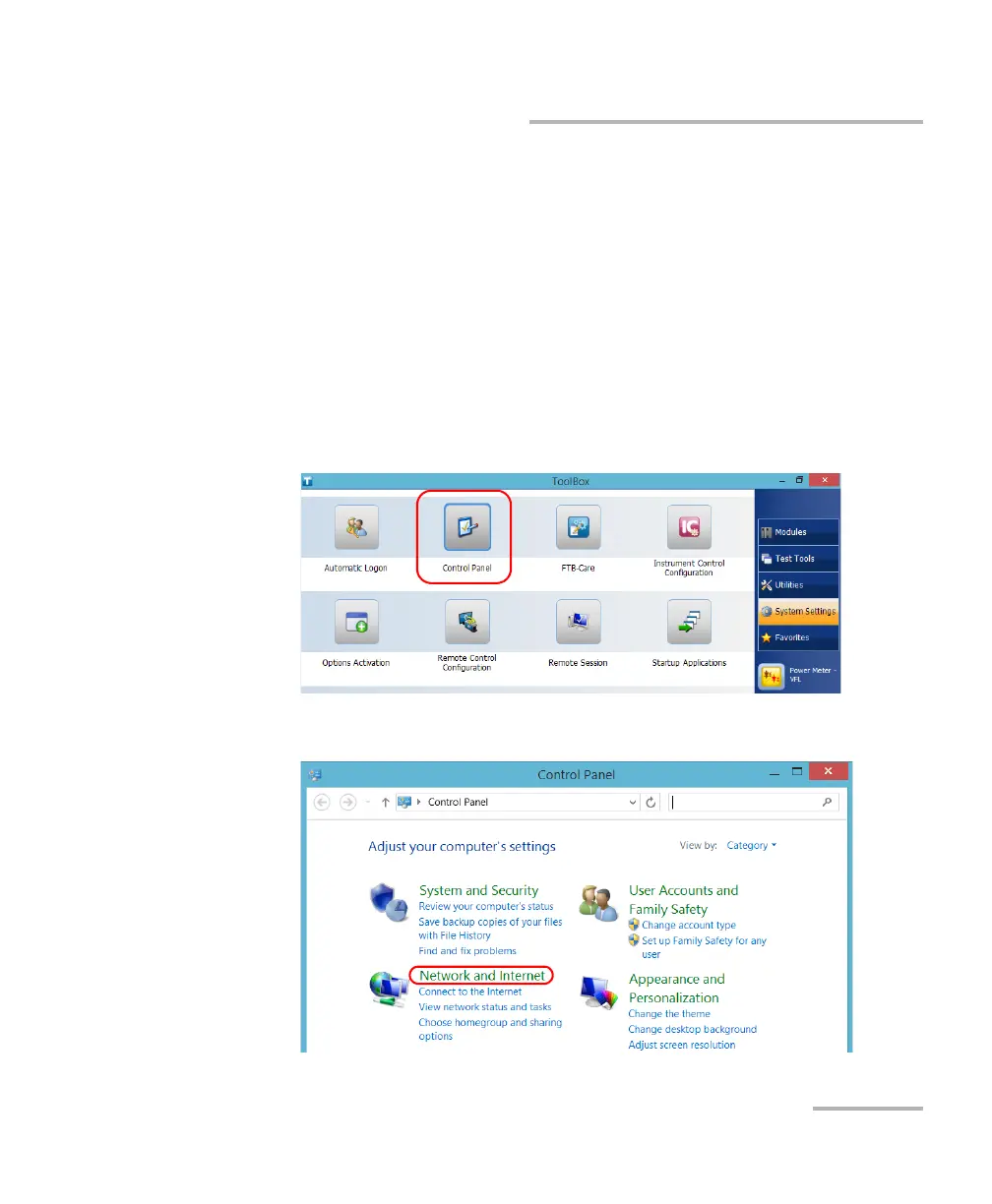
1. From the main window, tap the System Settings button.
2. Tap Control Panel.
3. Tap Network and Internet.



 To Next Page