Working with Your Unit
122 FTB-500
Managing Favorites
Managing Favorites
For a quicker access to the applications that you use most often, you may
want to build your own list of favorite applications (Favorites).
You can add and remove Favorites from the list. You can also import and
export lists of Favorites, which could be useful for backup and recovery
purposes, or to share the same Favorites among several units or user
accounts.
Note: To have access to the same Favorites on several units, the corresponding
applications must be available on all units.
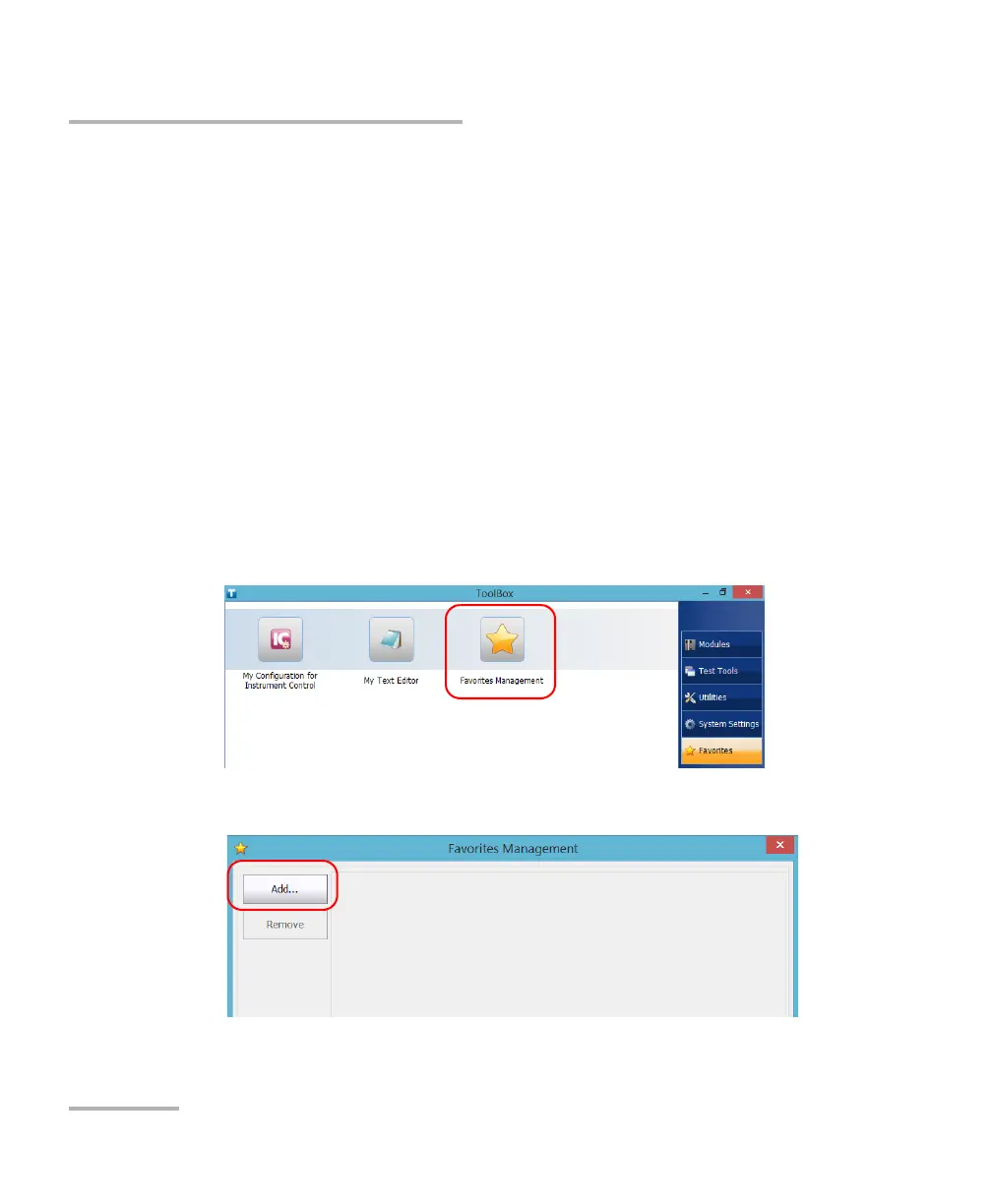
To add Favo r i t e s:
1. From the main window, tap the Favorites button.
2. Tap Favorites Management.
3. Tap Add.



 To Next Page