Working with Your Unit
112 FTB-500
Viewing PDF Files
Viewing PDF Files
You can view PDF files directly from your unit using the provided PDF file
viewer. For more information on the available features for this viewer, refer
to the PDF viewer online help.
Note: You may need a connection to the Internet to access the PDF viewer online
help.
Note: You can also you use any PDF viewer that you like, as long as it is
compatible with Windows 8.1 Pro.
To view P D F f i l e s:
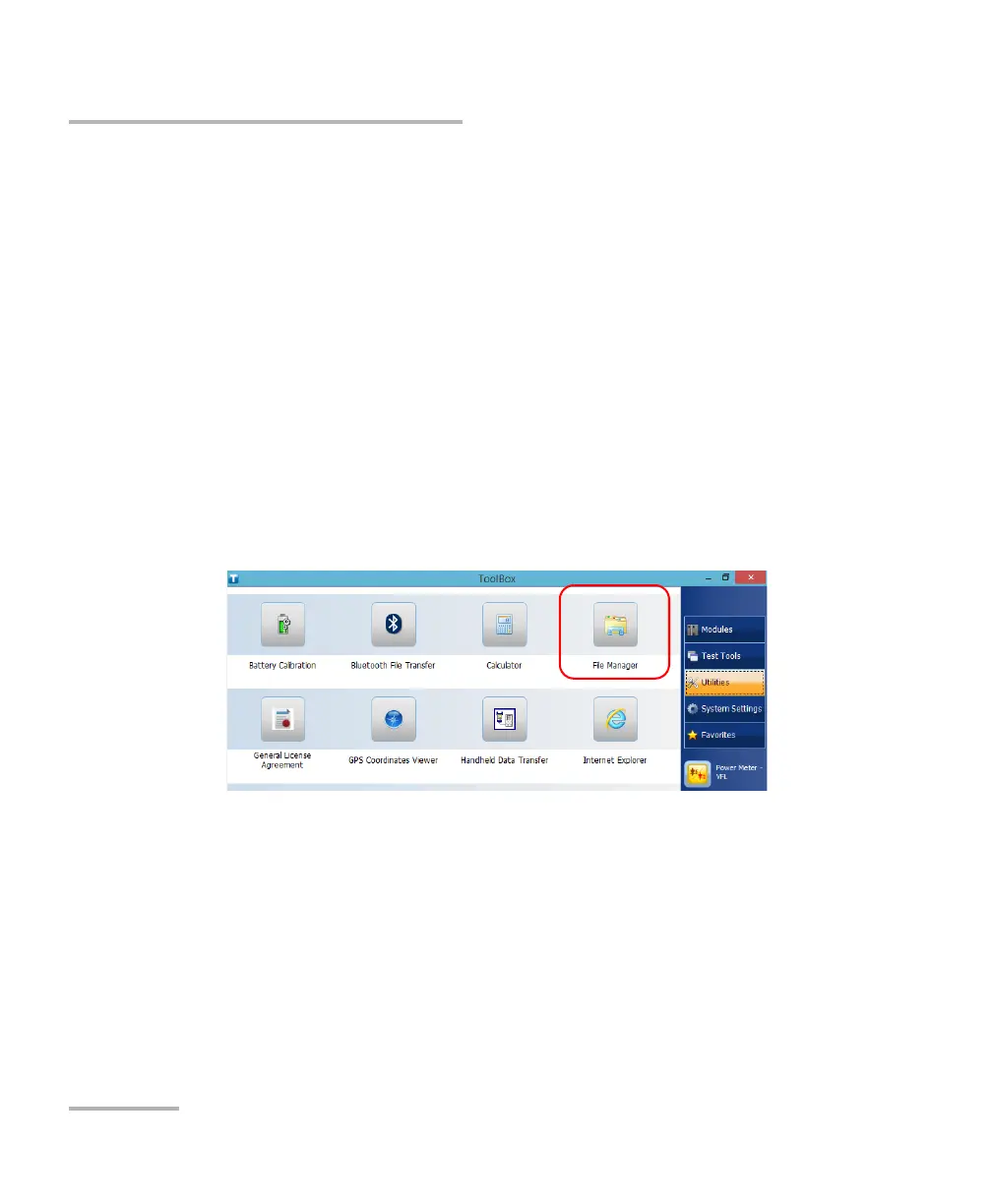
1. From the main window, tap the Utilities button.
2. Tap File Manager.
3. Browse through the folders to find the desired PDF file.
4. Tap the file.
5. The file opens automatically in the PDF viewer.



 To Next Page