Introducing the FTB-500
FTB-500 11
Function Buttons Description
Function Buttons Description
The FTB-500 is equipped with function buttons that give you access to
features at all times.
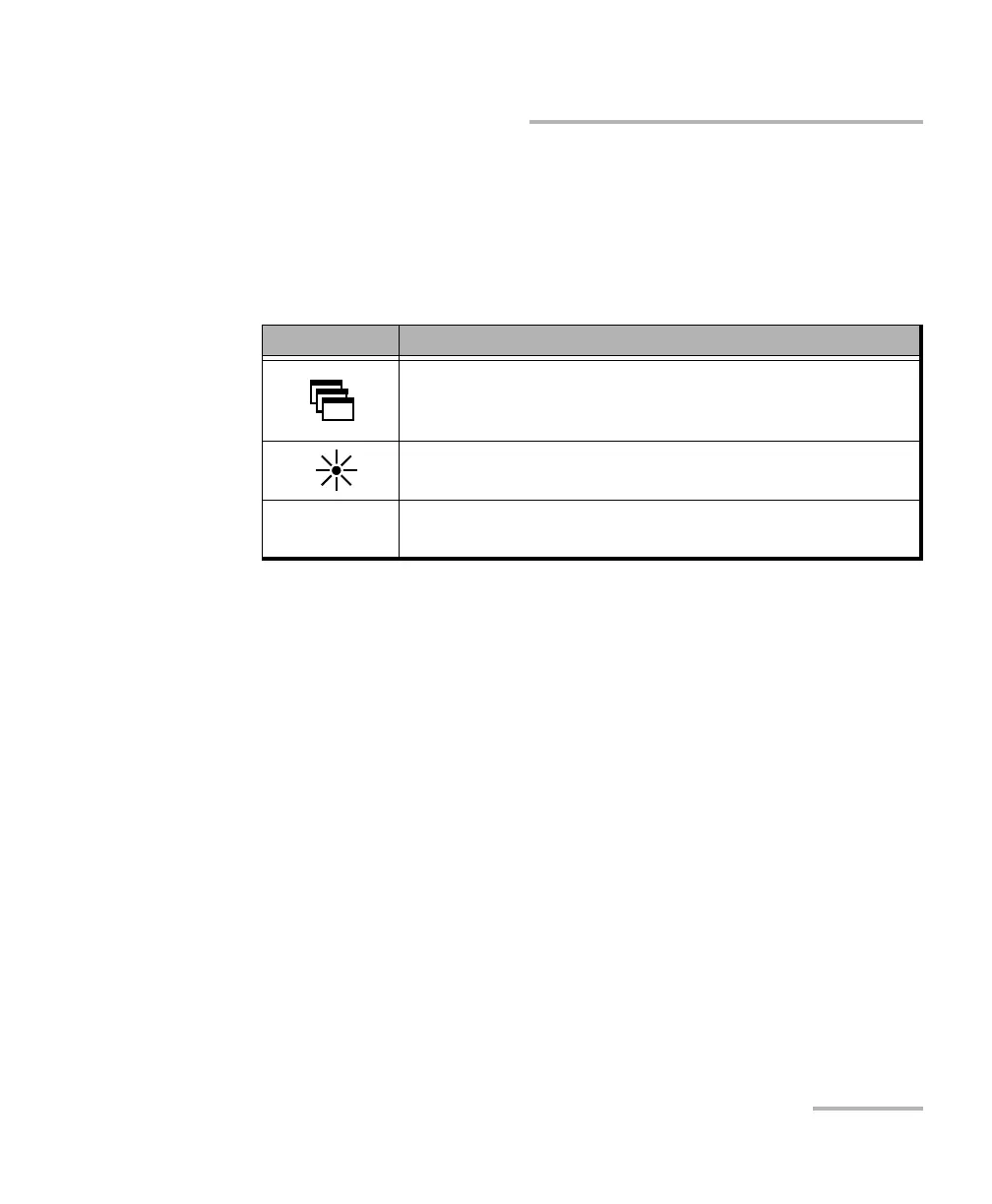
The table below shows an overview of their purpose.
Button Purpose
To show the taskbar, from which you can switch among
running applications, select a keyboard, view battery
information, view the time and date, etc.
To set the display brightness level. For more information,
see Adjusting Brightness on page 61.
LOCAL
When you are working in remote control mode, to return
to local control and settings.



 To Next Page