Using FTB Products in an Automated Test Environment
246 FTB-500
Building and Using Custom VIs
Building and Using Custom VIs
EXFO LabVIEW drivers have been designed to let you control the various
instruments according to your needs, by building your own VIs in LabVIEW.
You can access EXFO drivers
directly from
C:\Program Files\National Instruments\LabVIEW 6\instr.lib\EXFO
from the LabVIEW function palettes
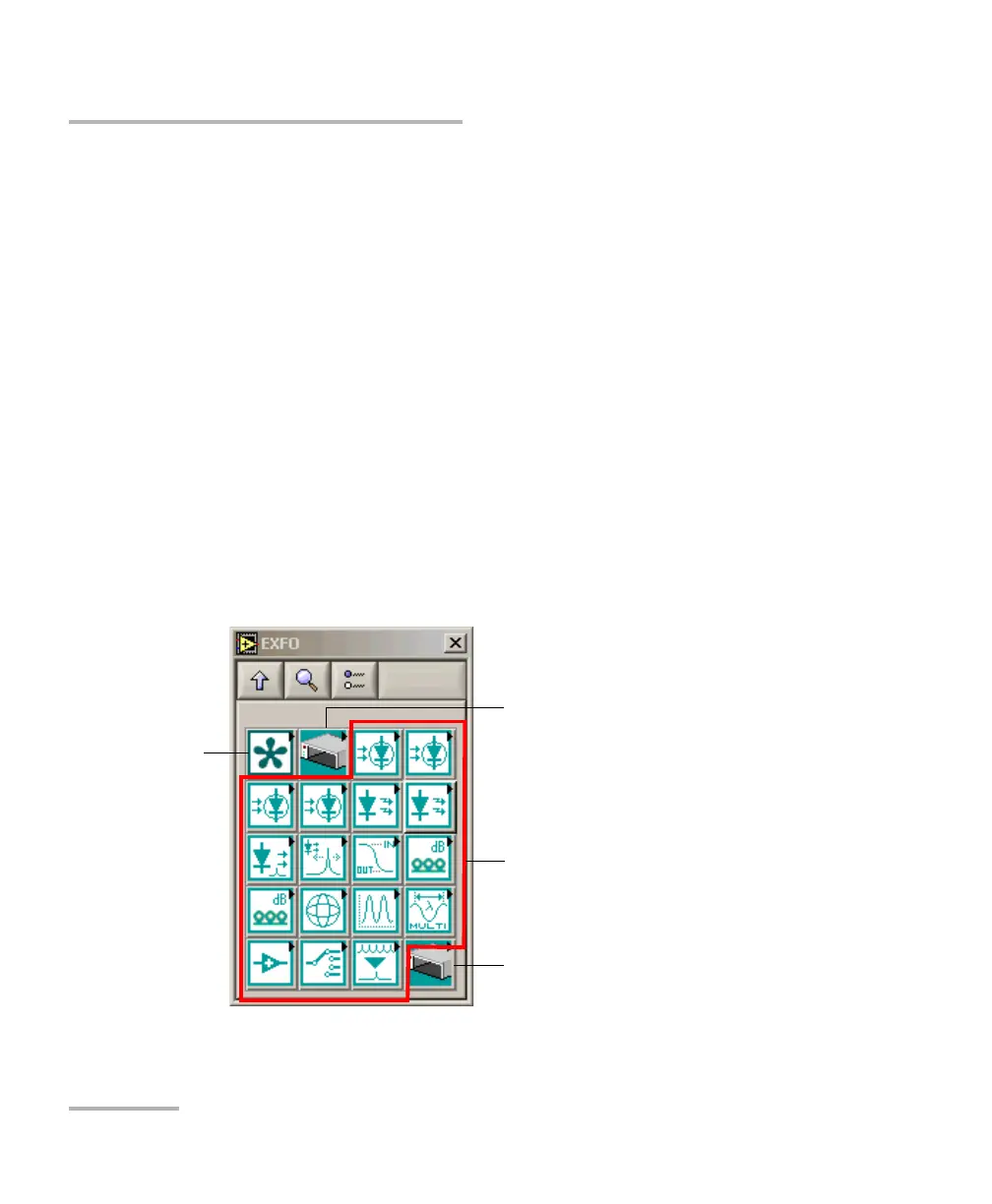
Each icon of the EXFO palette corresponds to a set of drivers that allow you
to either
communicate with EXFO instruments that support remote control
open and close communication links with instruments
send IEEE 488.2 (common) commands
send platform commands (specific to FTB-500 unit)
To s e nd
IEEE 488.2
commands
To se n d p la t fo r m
commands
To open and close
communication link
To control EXFO instruments
(one icon per instrument)



 To Next Page