Using FTB Products in an Automated Test Environment
FTB-500 247
Building and Using Custom VIs
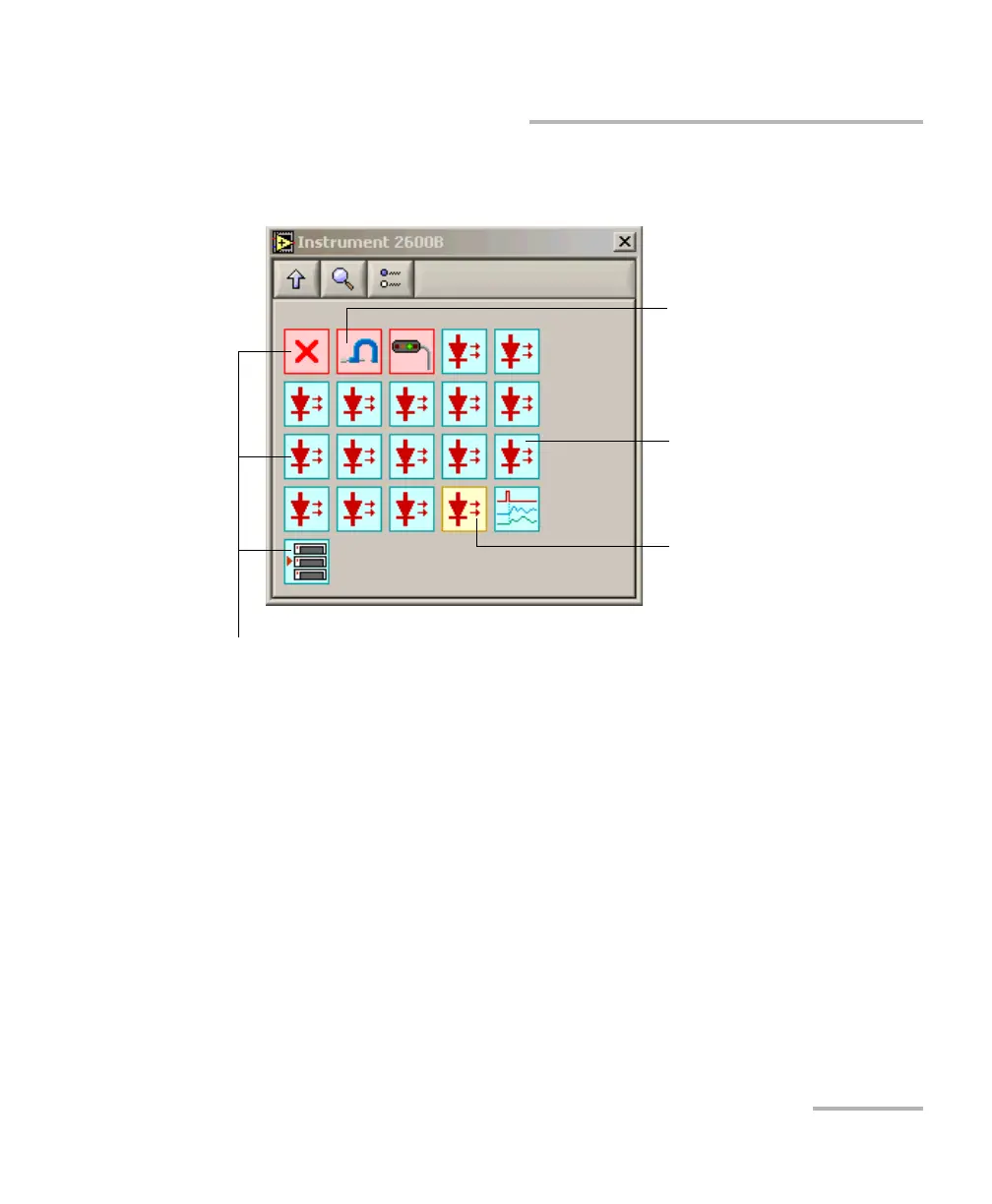
When you click an icon in the EXFO palette, the corresponding sub-palette
opens, giving you access to the different functions.
Red background:
write-only command (Set)
Blue background:
read-and-write command
(Get/Set)
Yellow background:
read-only command (Get)
Symbols: refer to first keyword
of associated SCPI command



 To Next Page