Using FTB Products in an Automated Test Environment
248 FTB-500
Building and Using Custom VIs
Note: The procedure provided hereafter is for guidance only. The actual
procedure may vary depending on the type of product you are using.
To build a custom VI:
1. Start LabVIEW and create a new VI.
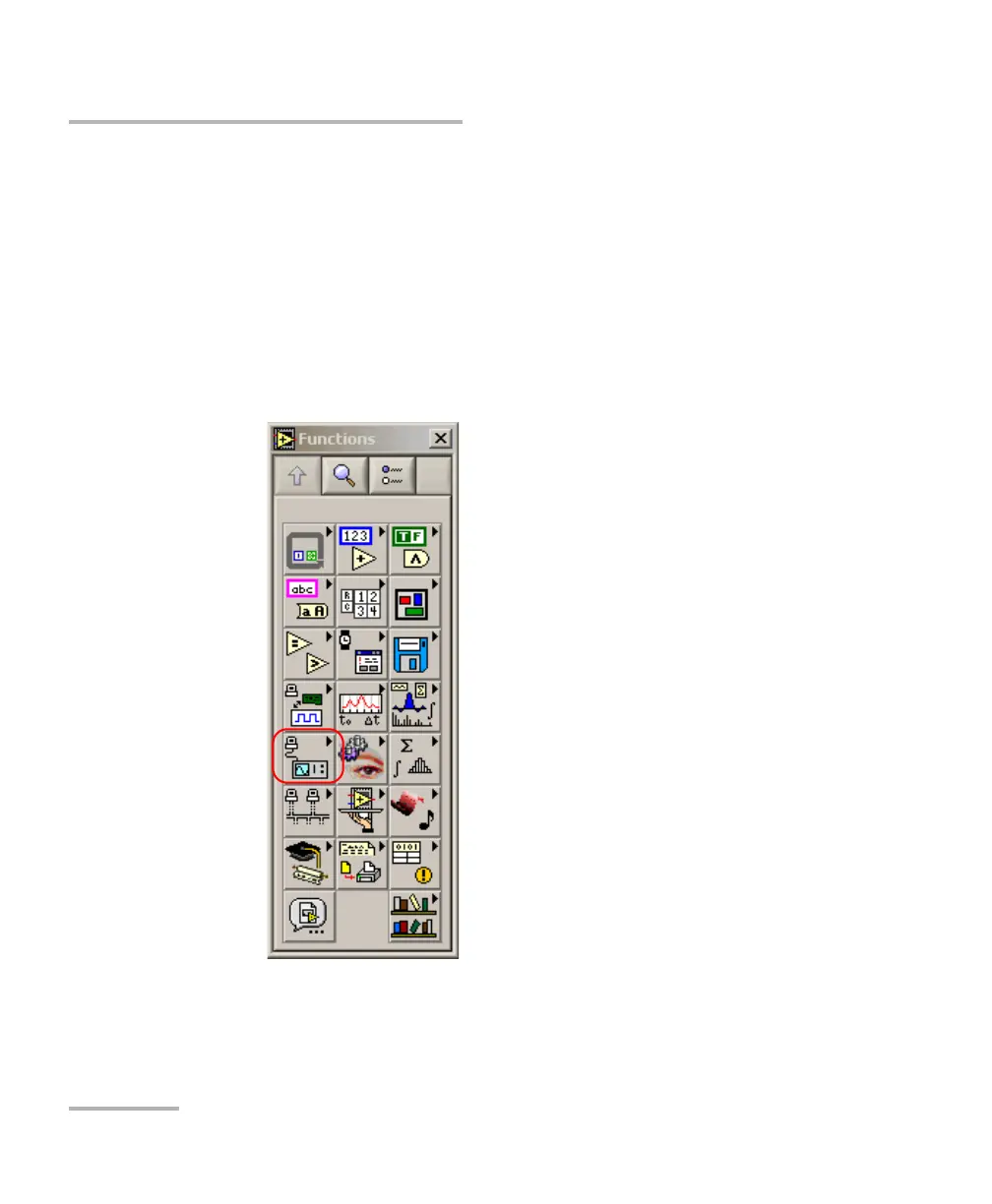
2. Open the EXFO palette.
2a. From LabVIEW, open the Diagram Block view.
2b. Display the Functions palette and select Instrument I/O.



 To Next Page