Using FTB Products in an Automated Test Environment
FTB-500 245
Using the EXFO Getting Started Applications
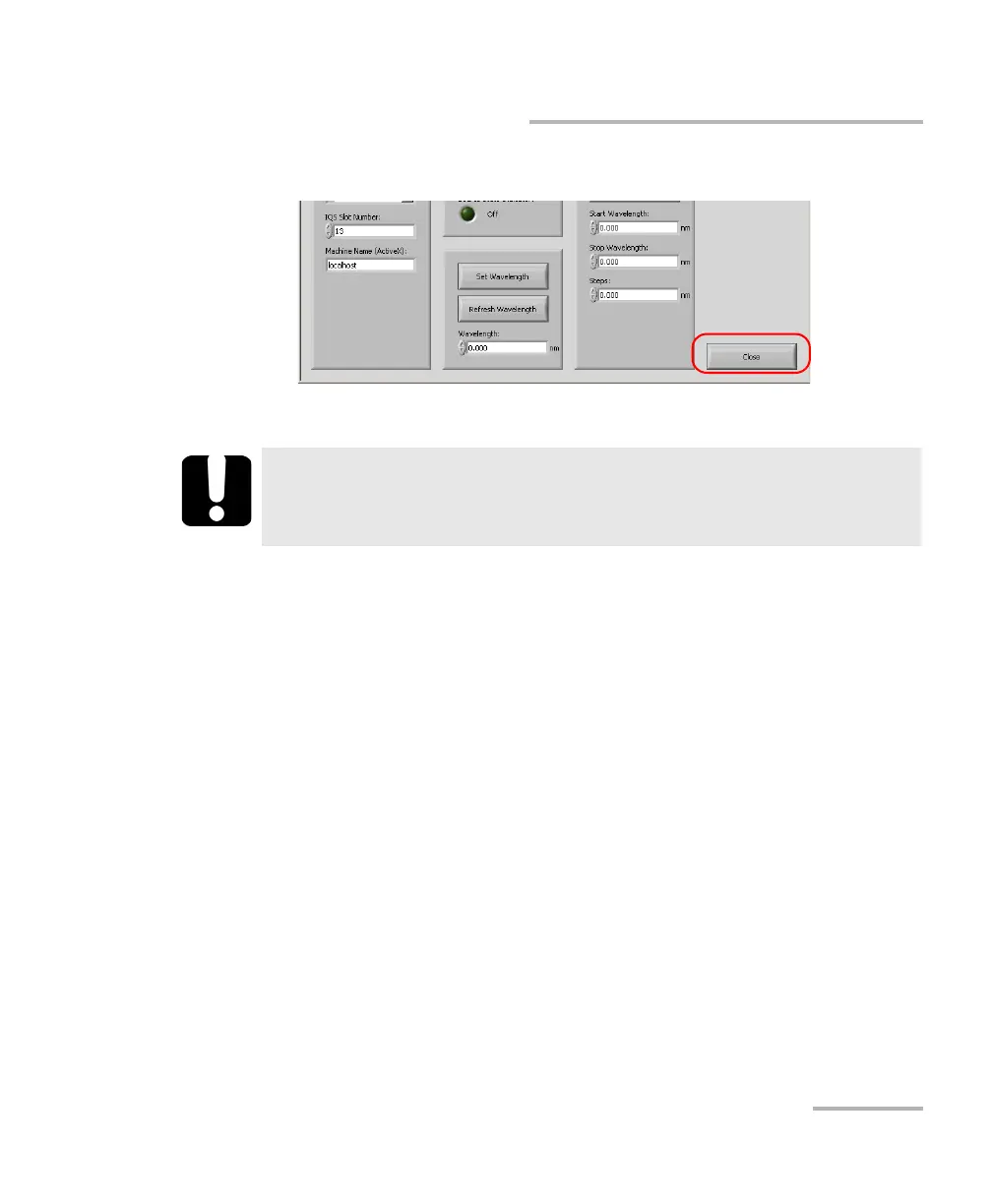
6. When you are finished, select Close to end the communication.
7. Close LabVIEW.
IMPORTANT
To avoid losing the original version of the Getting Started
applications, do not save changes when prompted by LabVIEW.



 To Next Page