Using FTB Products in an Automated Test Environment
244 FTB-500
Using the EXFO Getting Started Applications
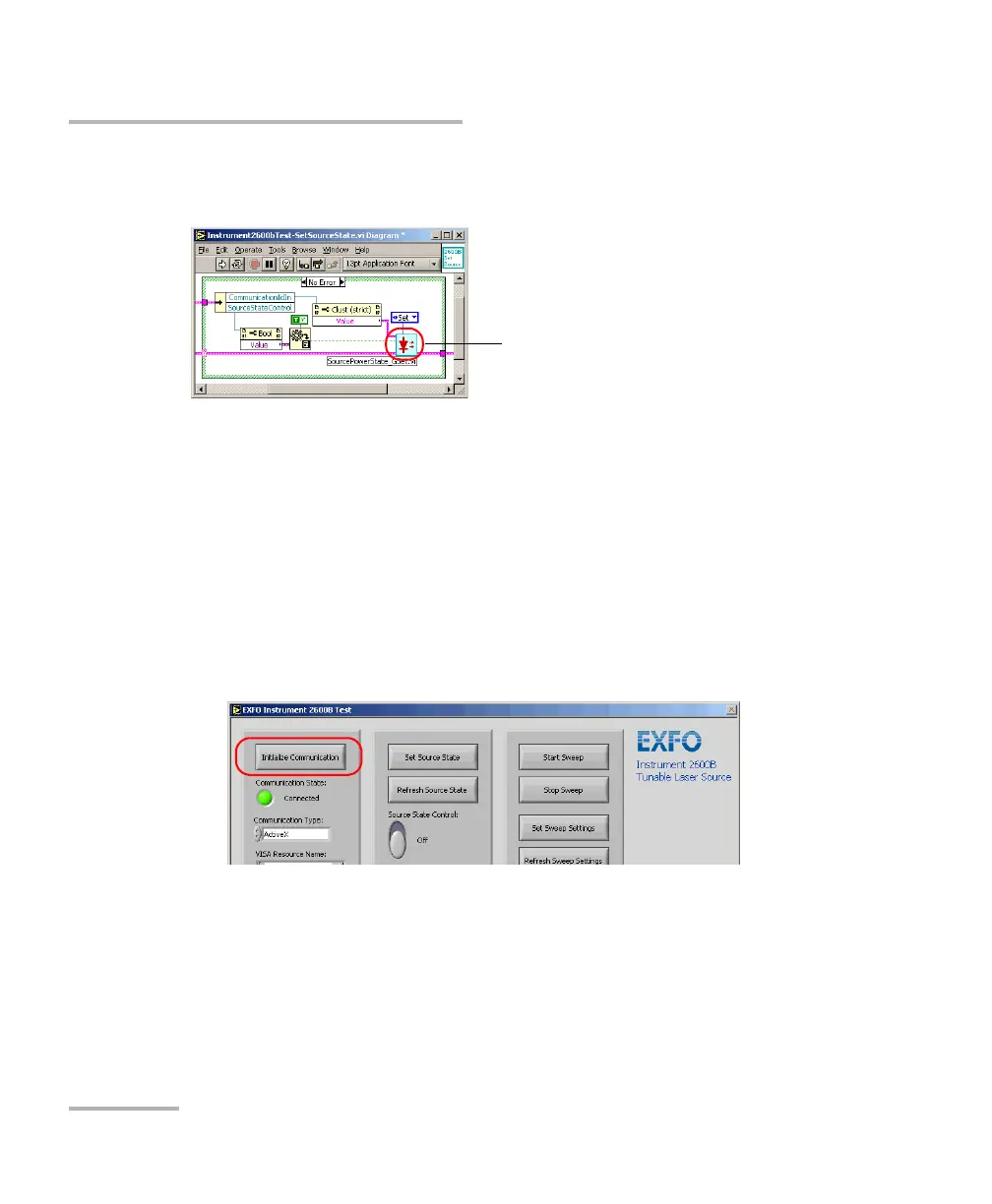
The detail of this sub VI gives precious information on how to call an
instrument driver VI.
To use a Getting Started application:
1. Turn on the FTB-500 unit, start ToolBox, and ensure that all the
remote-control parameters are set correctly.
2. Open the desired Getting Started application and run it from LabVIEW.
3. From the application’s Front Panel, set the communication parameters.
For information on communication parameters, see Working with
EXFO LabVIEW Drivers on page 239.
4. Once the parameters are configured, click Initialize Communication.
5. Using the provided buttons and controls, perform the desired actions.



 To Next Page