Using FTB Products in an Automated Test Environment
FTB-500 243
Using the EXFO Getting Started Applications
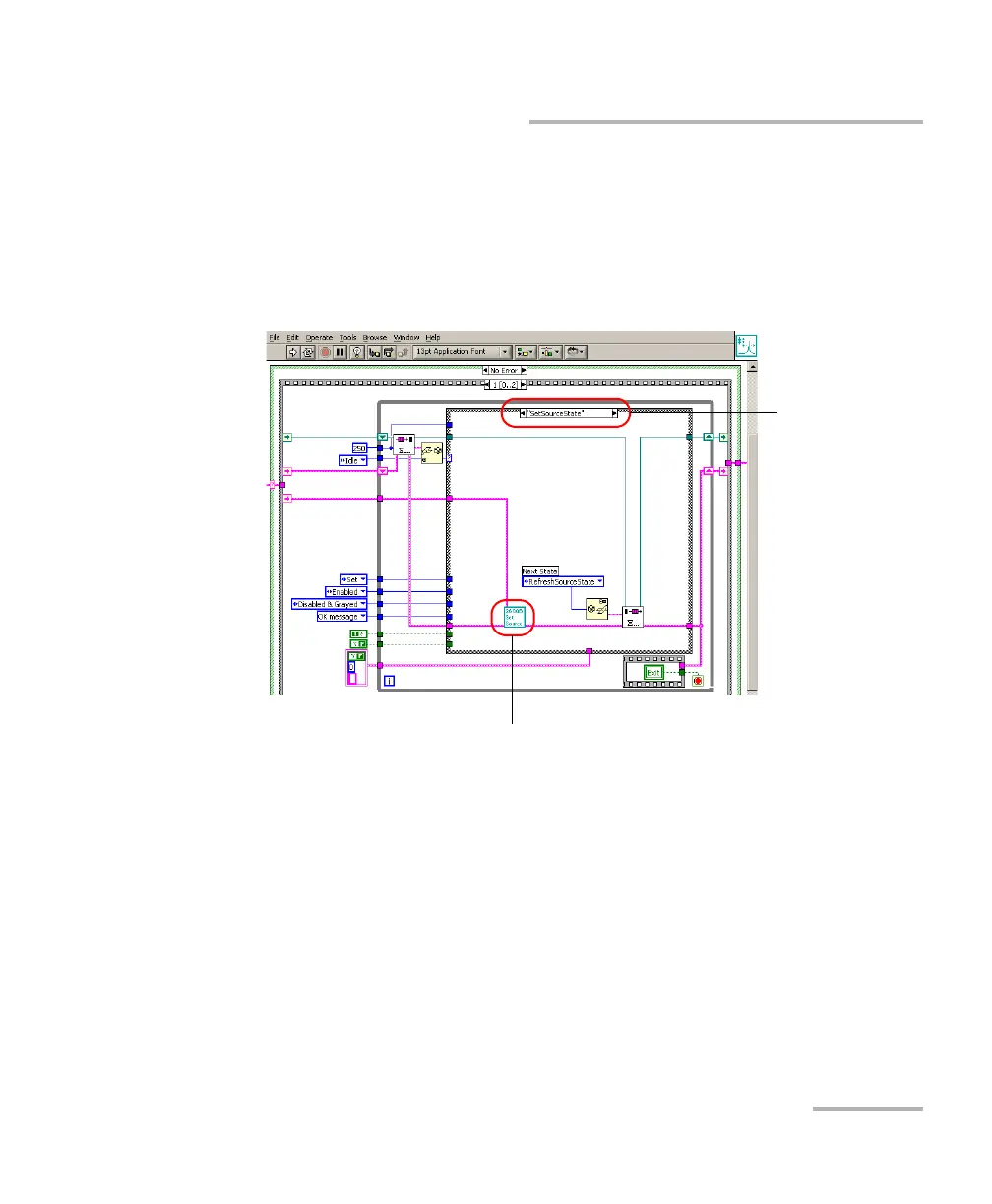
The following figure illustrates the State Machine after the user has clicked
on the button allowing you to set the source state (from the Front Panel).
When the State Machine changes to “SetSourceState”, the application calls
“Instrument2600bTest_SetSourceState.vi”, which, in turn, calls the
“SourcePowerState_GSet.vi”sub VI that will perform the appropriate action
on the instrument.
State Machine
Instrument2600bTest_SetSourceState.vi



 To Next Page