Working with Your Unit
FTB-500 121
Retrieving the GPS Location of Your Unit
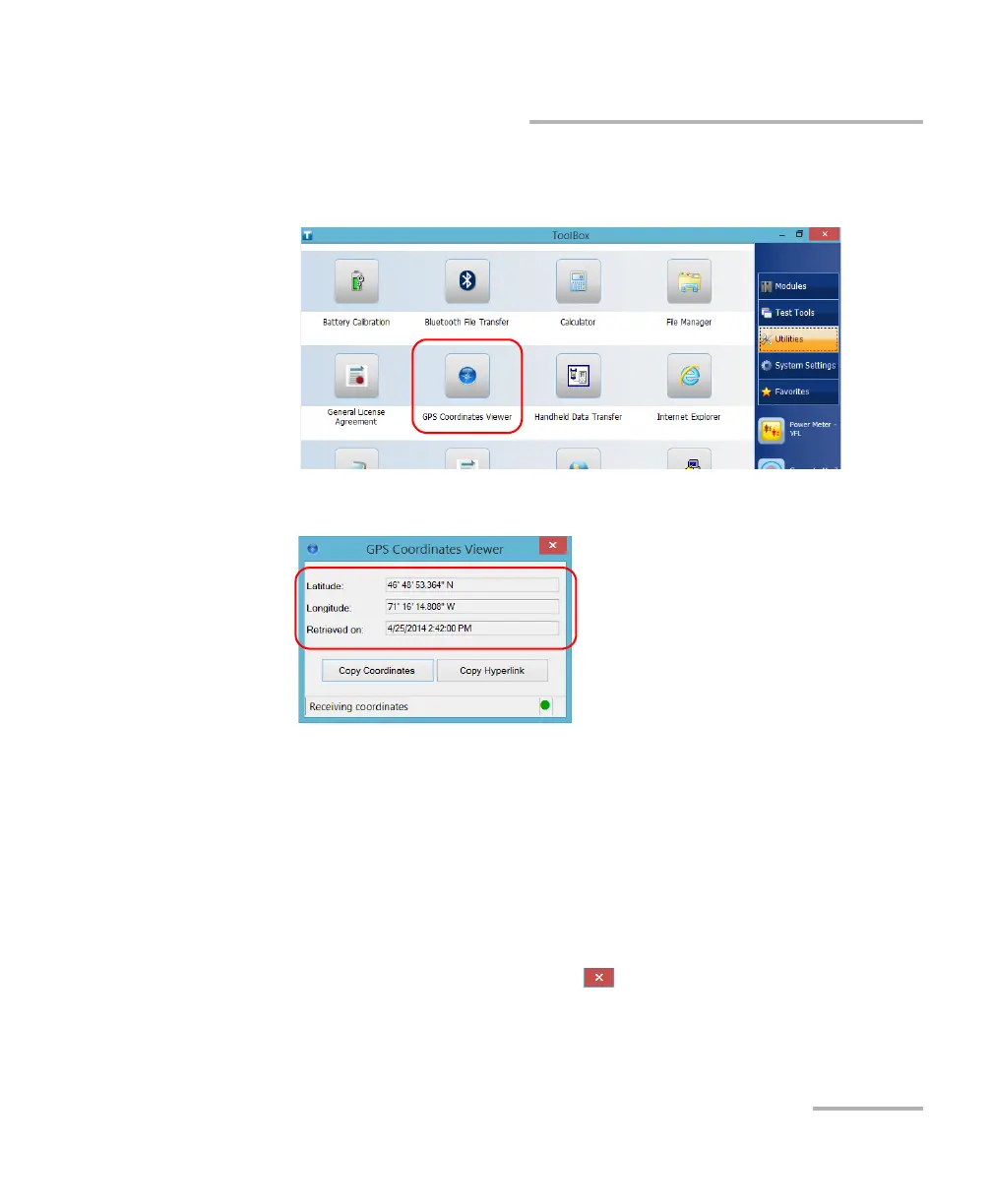
3. From the main window, tap the Utilities button, then tap GPS
Coordinates Viewer.
The GPS coordinates are displayed.
Note: As this is the case with any other GPS device, you may have to wait a few
minutes to get a valid GPS signal.
Tap Copy Coordinates to send the displayed information to the
Clipboard as a text string.
Tap Copy Hyperlink to send the displayed information to the
Clipboard as a URL link.
4. When your work is finished, tap to close the utility.



 To Next Page