Working with Your Unit
FTB-500 123
Managing Favorites
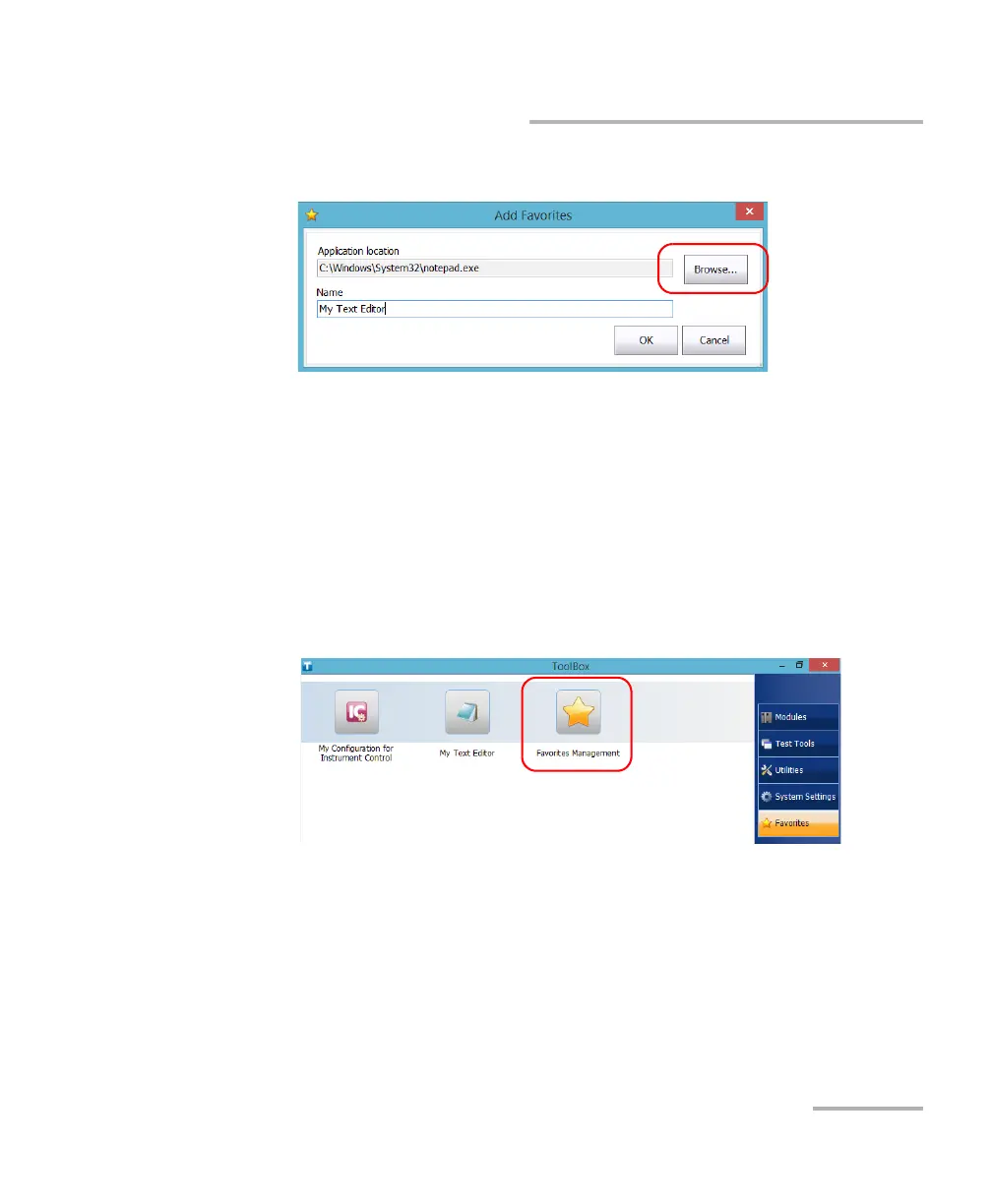
4. Tap Browse to locate the desired application.
5. Type a name for the new Favorite.
6. Tap OK to confirm the location and name.
7. Repeat the previous steps with all the Favorites that you want to add.
8. Tap OK to apply the changes and close the window.
To remove Favorites:
1. From the main window, tap the Favorites button.
2. Tap Favorites Management.



 To Next Page