Introducing the FTB-500
FTB-500 7
Main Features
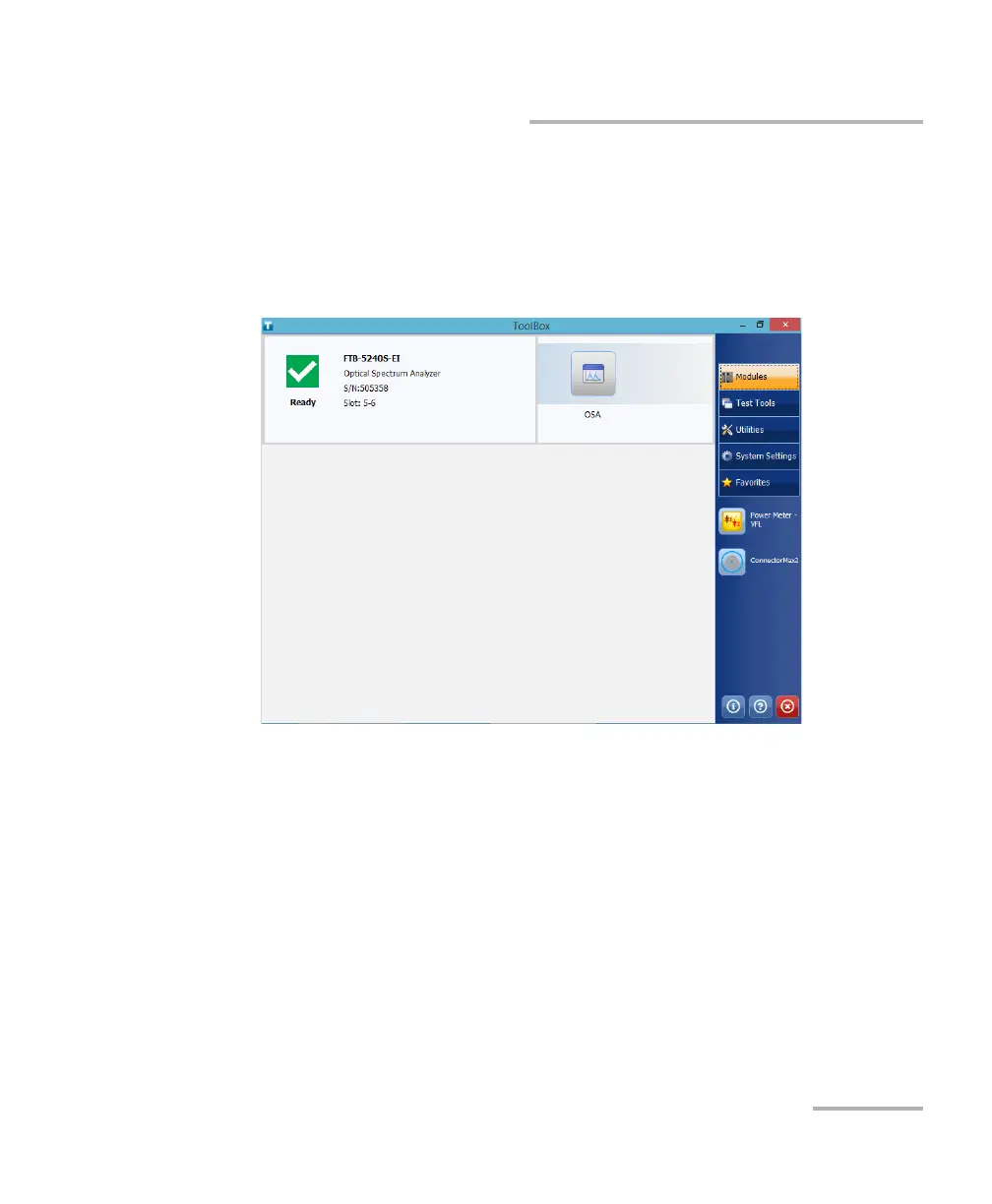
The FTB-500 runs Microsoft Windows 8.1 Pro, and the ToolBox software
provides you with a graphical, user-friendly interface for your testing
applications.
The interface is easy to access, whether you are using the touchscreen or a
mouse and a keyboard.
ToolBox brings multitasking to field testing. You can perform different tests
and work on tests results all at the same time, switching between
applications easily.
The FTB-500 supports local control (via the ToolBox software) and remote
control (through RS-232 or Ethernet TCP/IP—using SCPI commands or the
provided LabVIEW drivers).
Note: LabVIEW drivers may not be available for some modules.
Note: In this documentation, the words “tap” and “double-tap” (related to the
use of a touchscreen) replace the words “click” and “double-click”.



 To Next Page