Managing Data
FTB-500 151
Using the USB to RS-232 Adapter
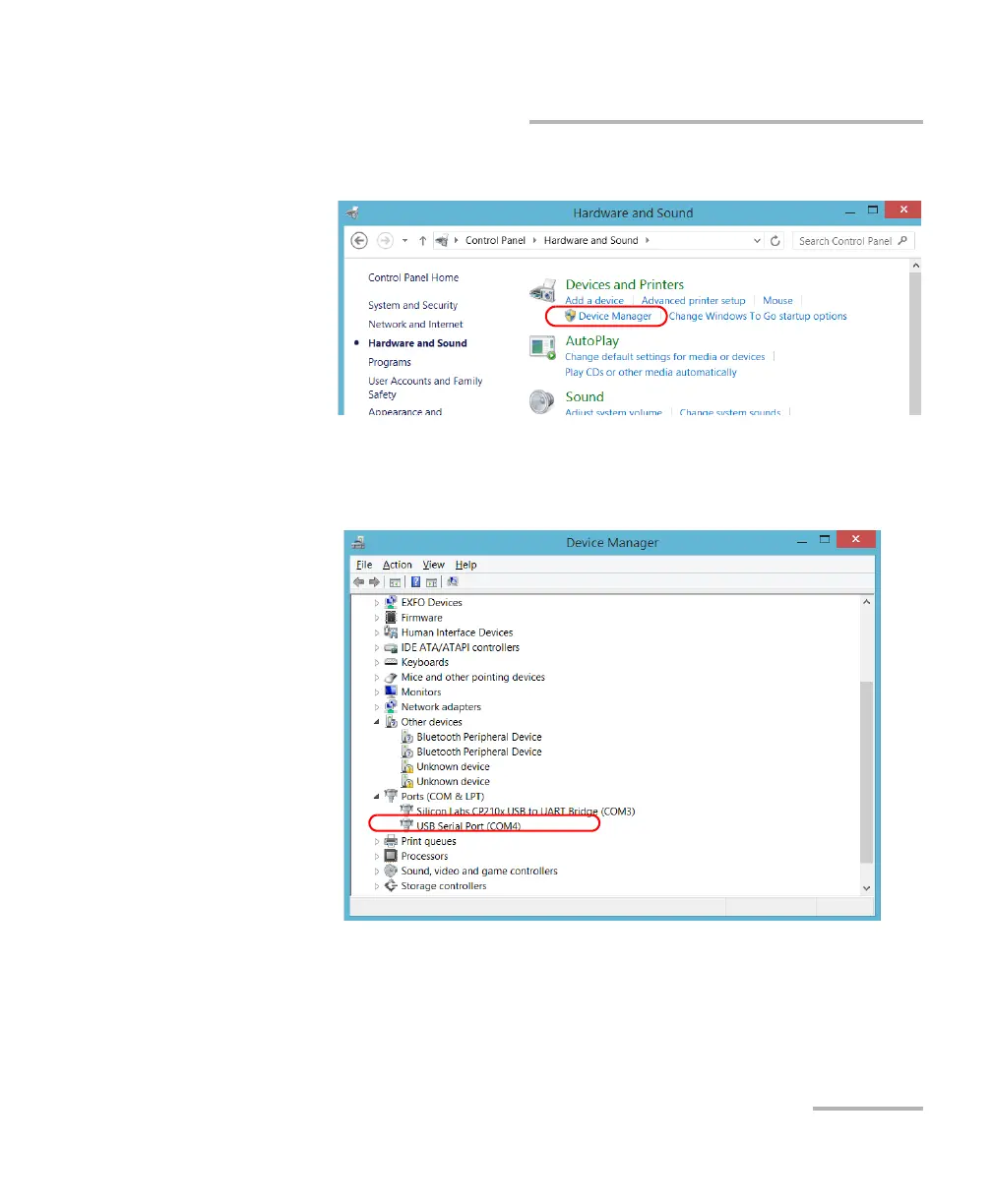
3d. Under Devices and Printers, tap Device Manager.
3e. Expand the Ports (COM & LPT) list to retrieve the COM port
number that has been assigned to the adapter (identified as USB
Serial Port) and write it down.
3f. Close the Device Manager.



 To Next Page