Managing Data
FTB-500 157
Freeing Up Disk Space with the Disk Cleanup Utility
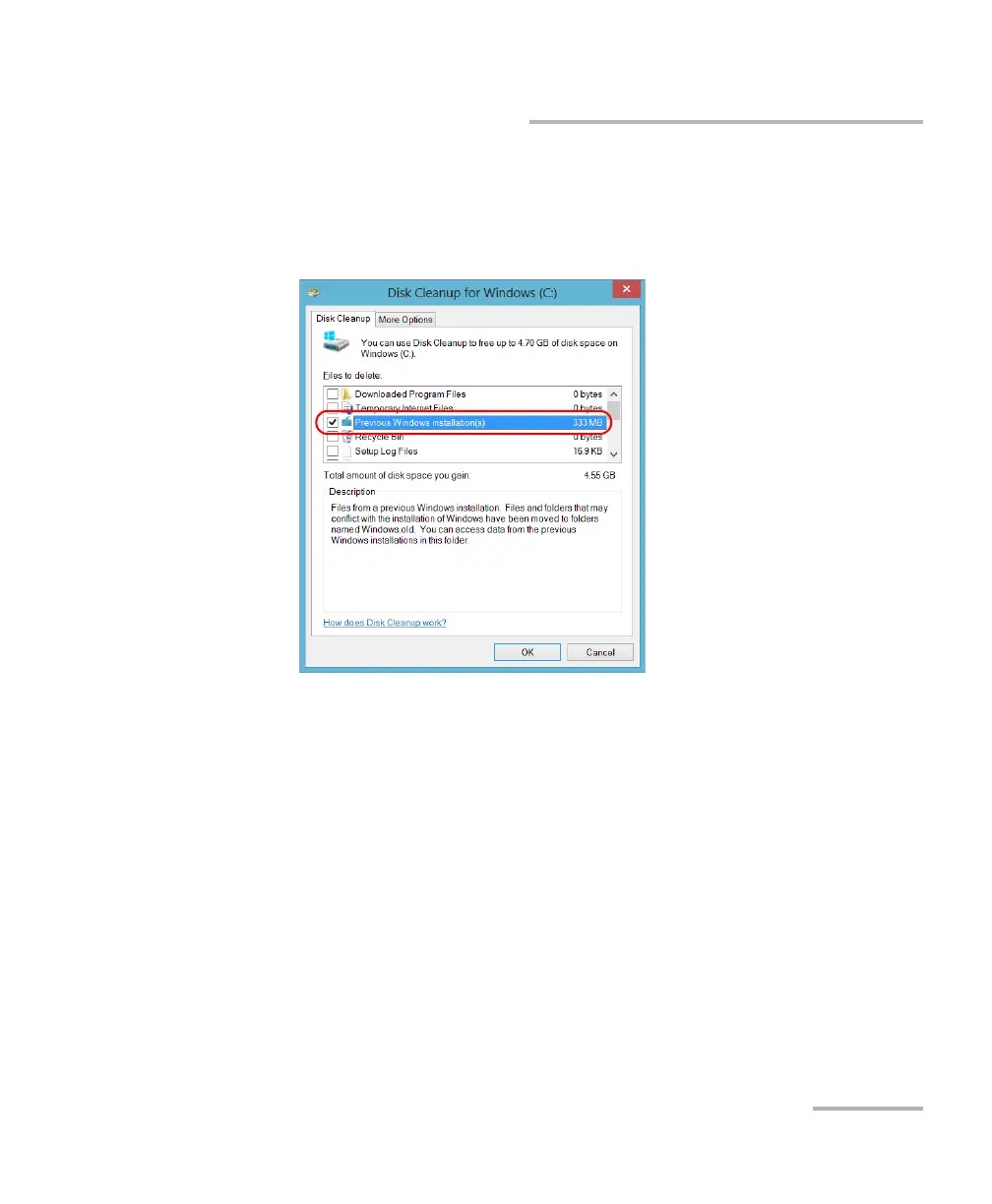
7. When the folders are displayed, select the check box corresponding to
the desired item. If you want to clear the Windows.old folder, select
the Previous Windows installation(s) check box. Ensure that all the
other check boxes are cleared.
Note: If you cannot see the Previous Windows installation(s) check box, this
means that no refresh operation has been made on your unit yet.
8. Tap OK.
9. When the application prompts you to confirm the deletion of the
folder, tap Delete Files.



 To Next Page