Managing Data
FTB-500 159
Connecting to a VPN from Your Unit
To add a VPN connection:
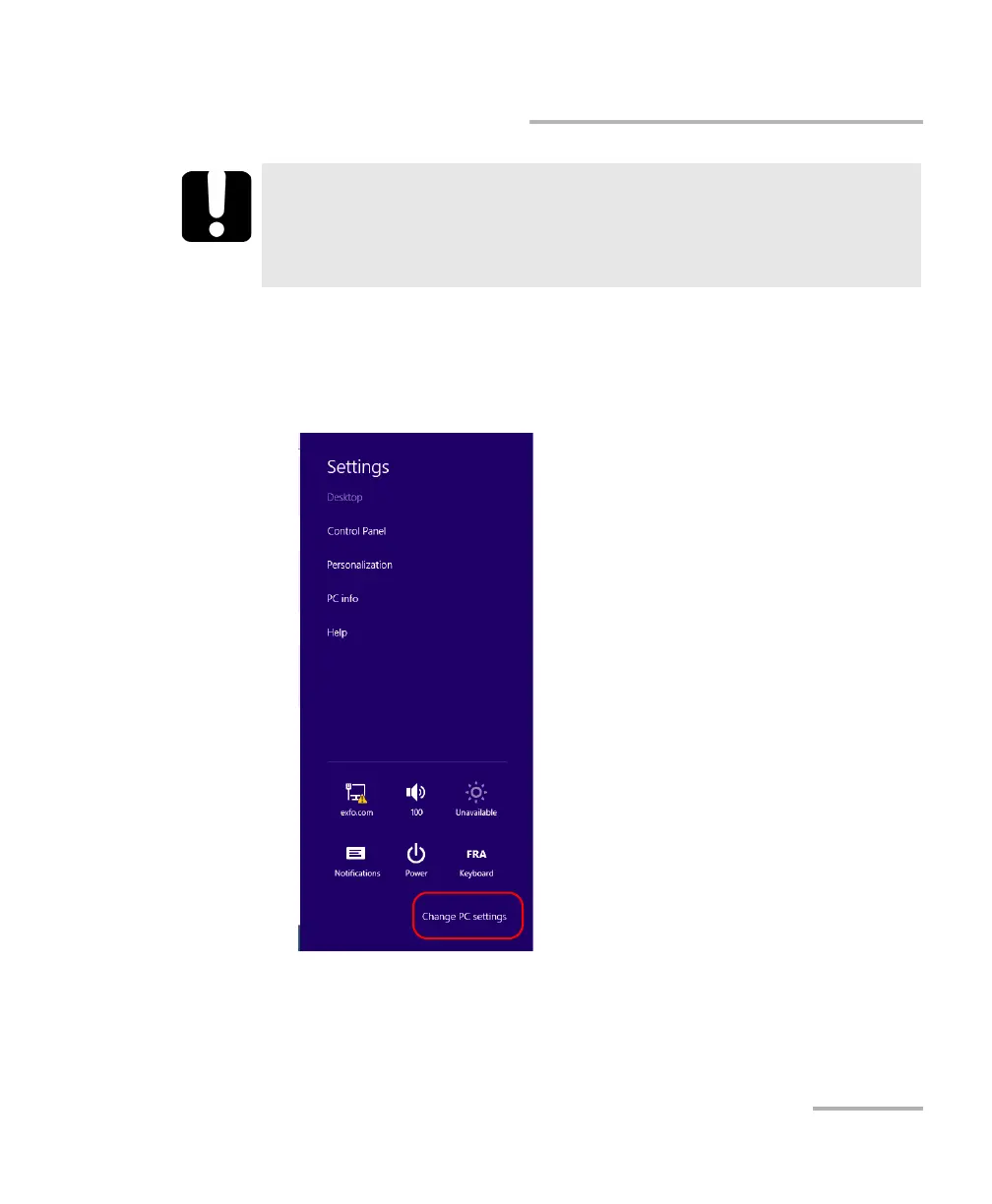
1. From the right side of the screen, swipe left to display the Charm bar.
2. Tap Settings > Change PC settings.
IMPORTANT
To avoid communication problems between the VPN client and the
VPN server, ensure that the date set on your unit corresponds to the
current date.



 To Next Page