Accessing Your Unit Remotely
174 FTB-500
Working with Remote Desktop
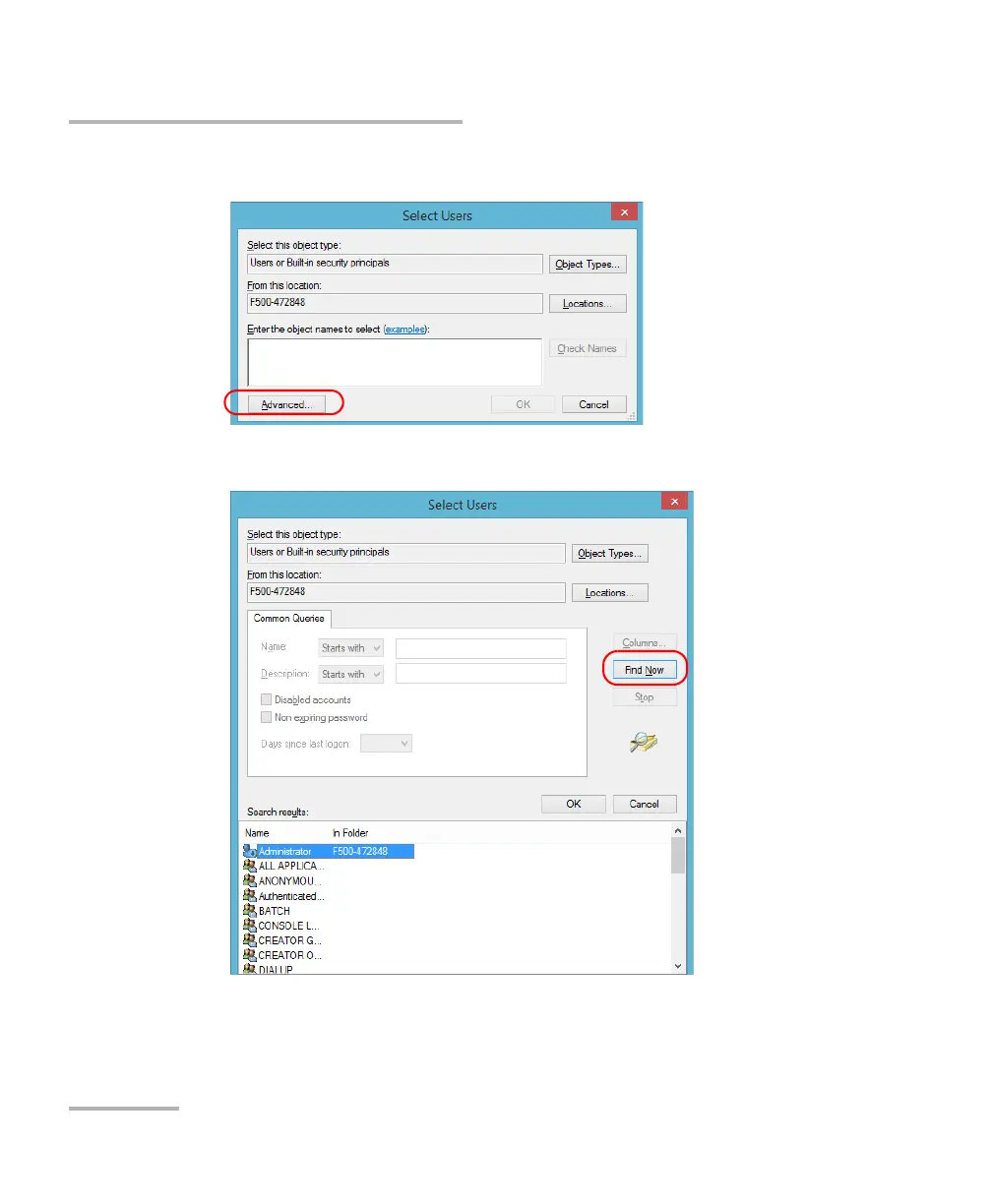
6. From the Select Users dialog box, tap Advanced.
7. Tap Find Now to let the system find and display the list of users.
8. Select the user to which you want to grant access rights, and then tap
OK.



 To Next Page