Preparing for Automation
200 FTB-500
Configuring DCOM Access to Your Unit
Setting the General Security Parameters
Note: To modify the security parameters, you need administrator access rights.
To set the general security parameters:
1. From the main window, tap the System Settings button.
2. Tap Control Panel.
3. Tap System and Security > Administrative Tools.
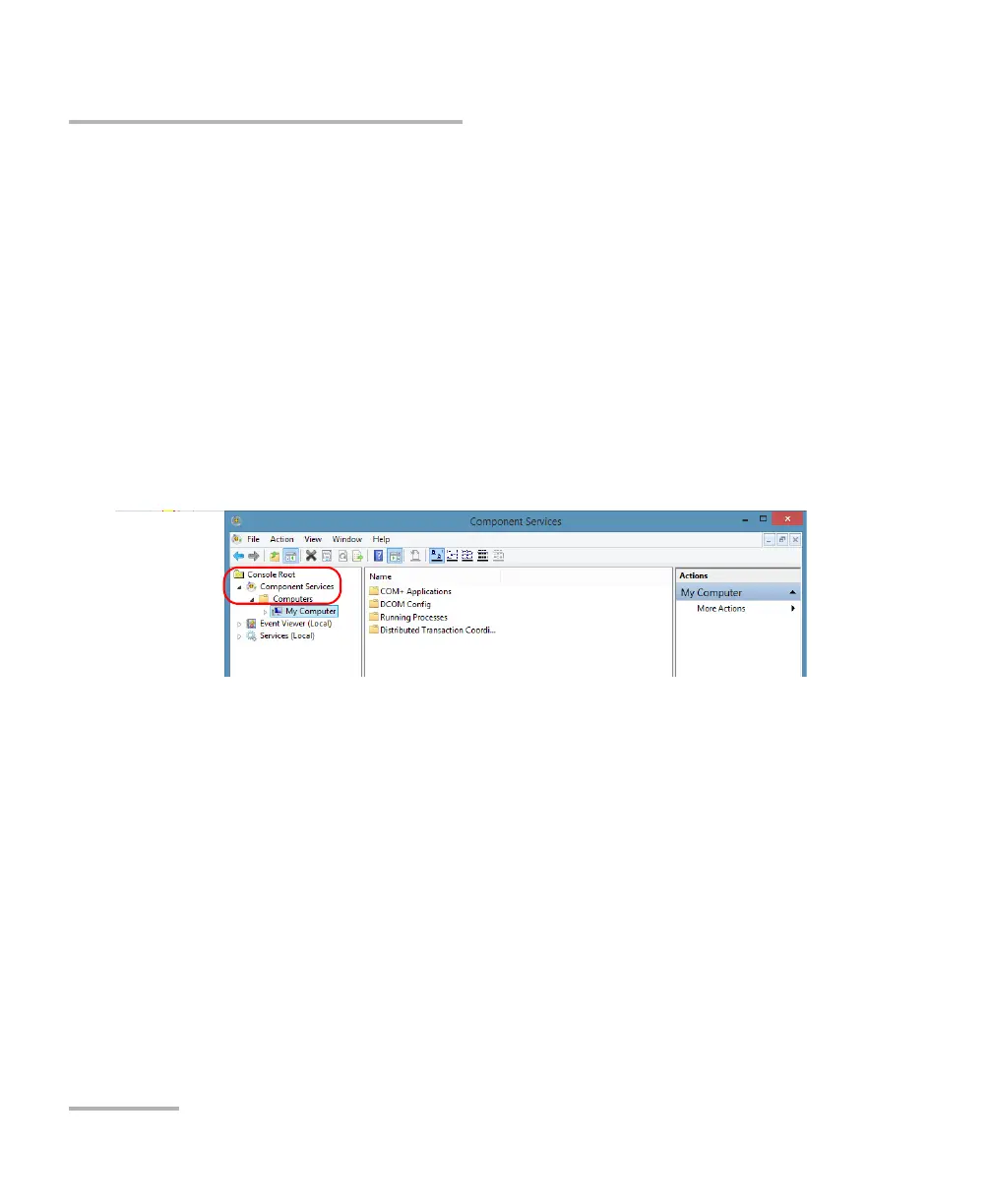
4. Tap Component Services.
5. In the Component Services dialog box, go to Console Root >
Component Services > Computers.
6. Right-click My Computer, and then select Properties.



 To Next Page